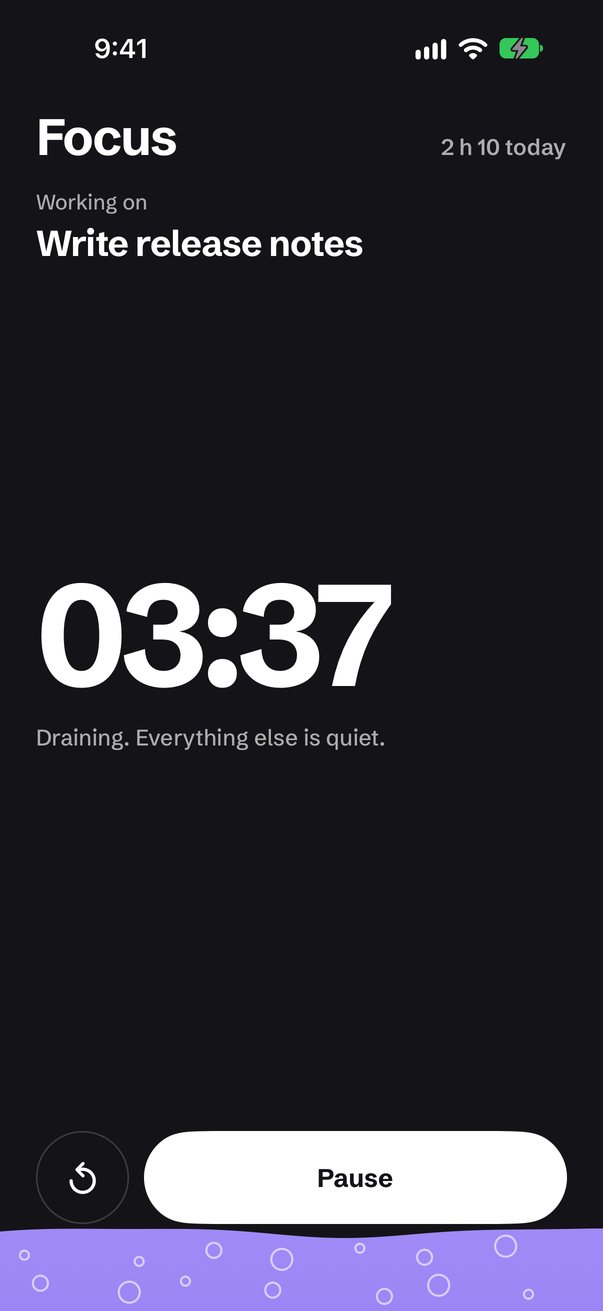
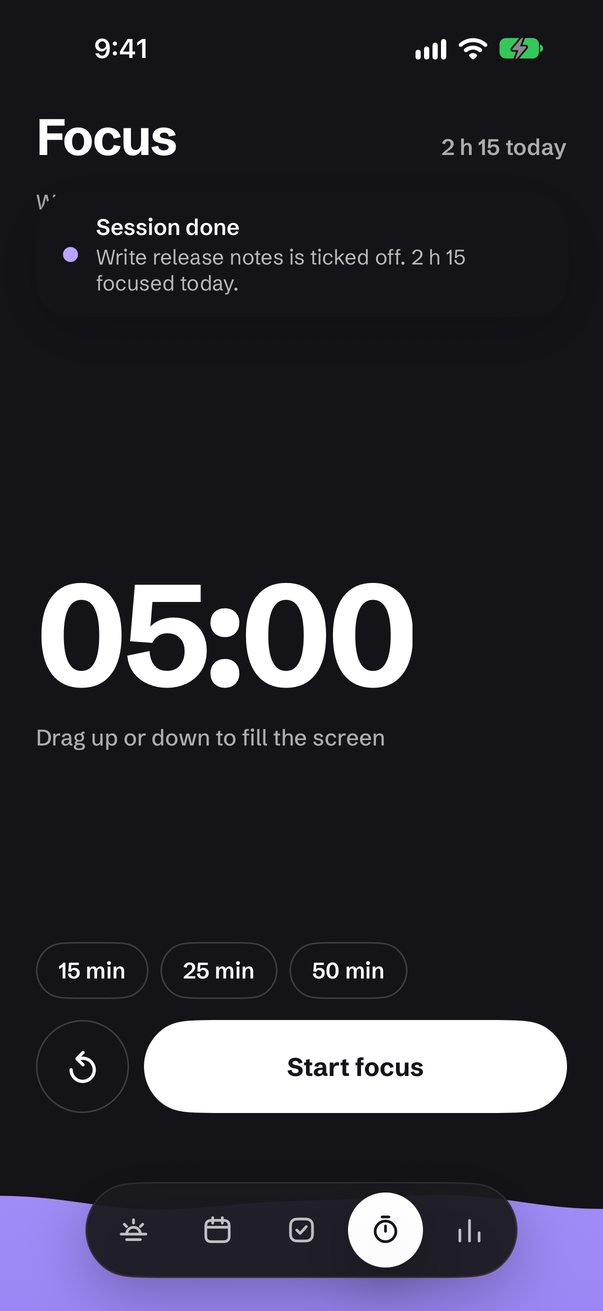
Your calendar and to-dos as one day you can see: plans as tall as they last, free time as gaps you drop tasks into, a greeting that tells you what fits right now, and a focus timer that fills the whole screen with lilac and drains as you work.
Loading screen — two clock faces sweep their hands to twelve and become the "oo" in the wordmark
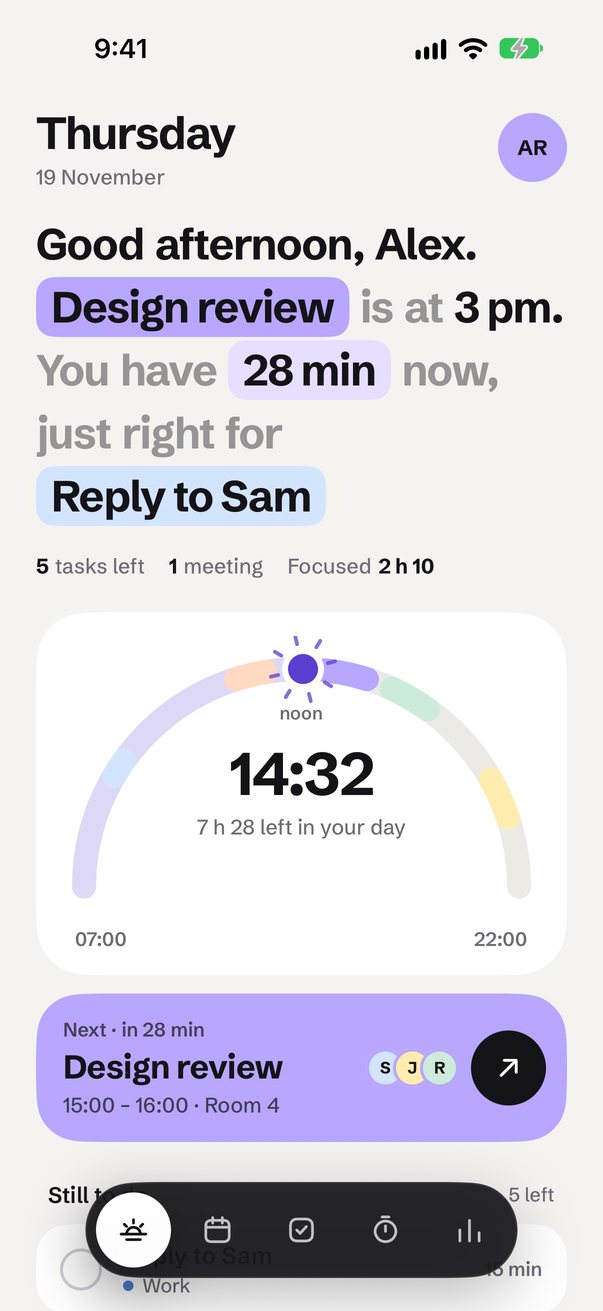
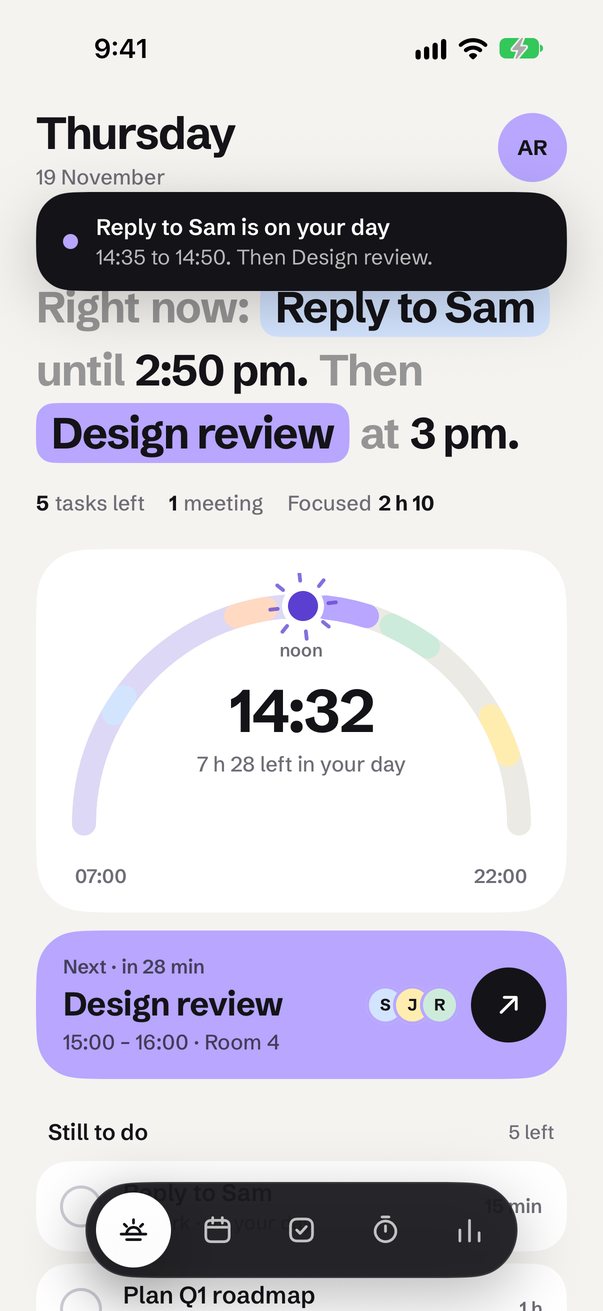
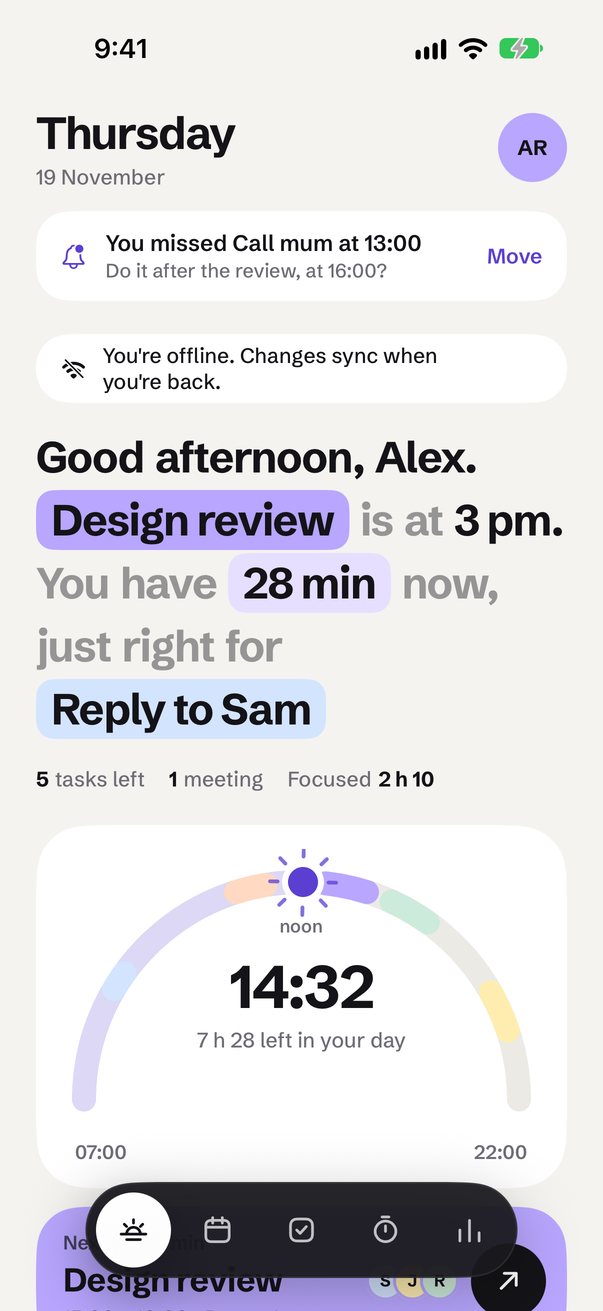
Today: a greeting that knows what's next and which task fits the time you have now, each highlight a pill you can tap
Your day as the sun's path from 07:00 to 22:00, plans as coloured arcs and the sun risen to now
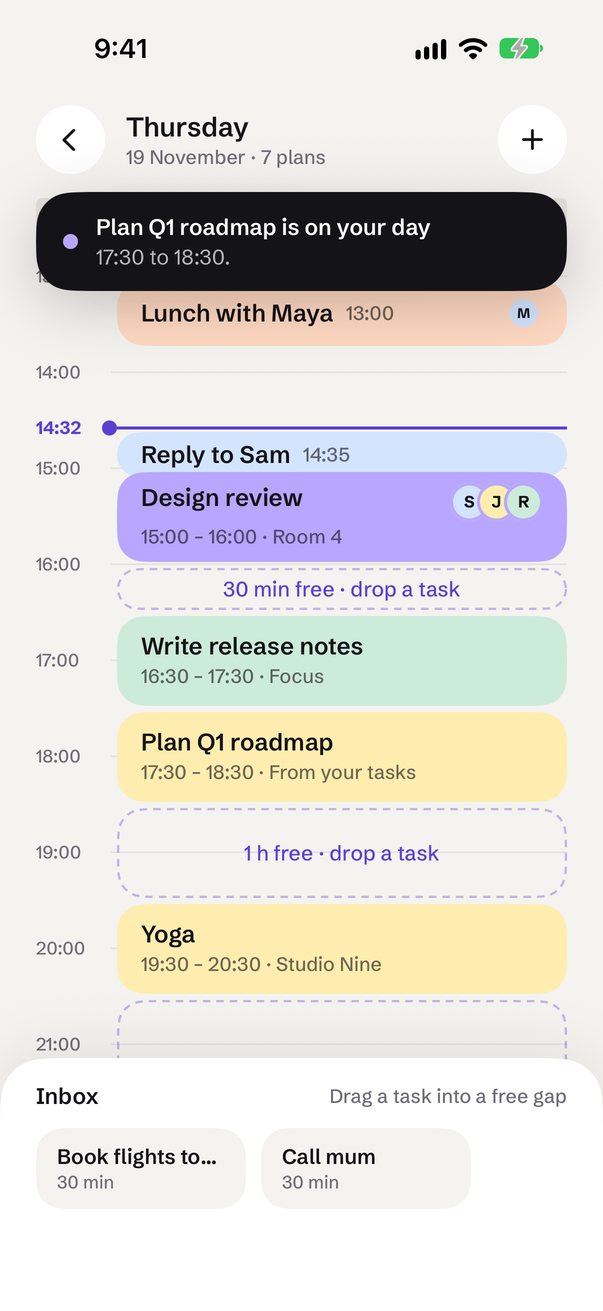
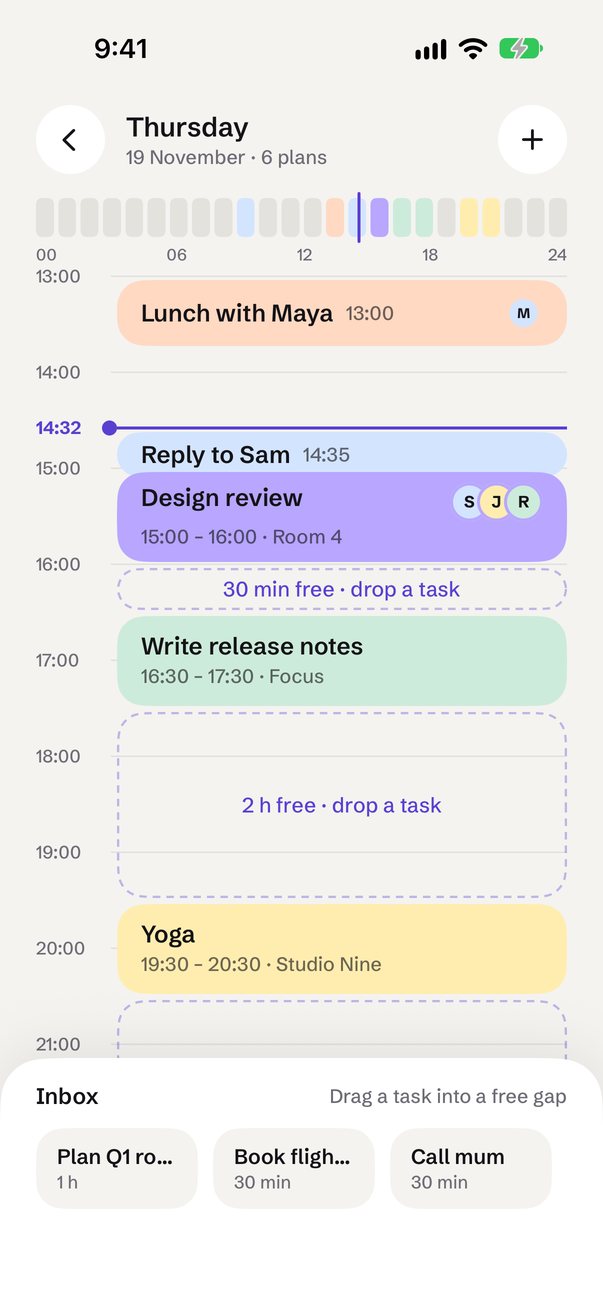
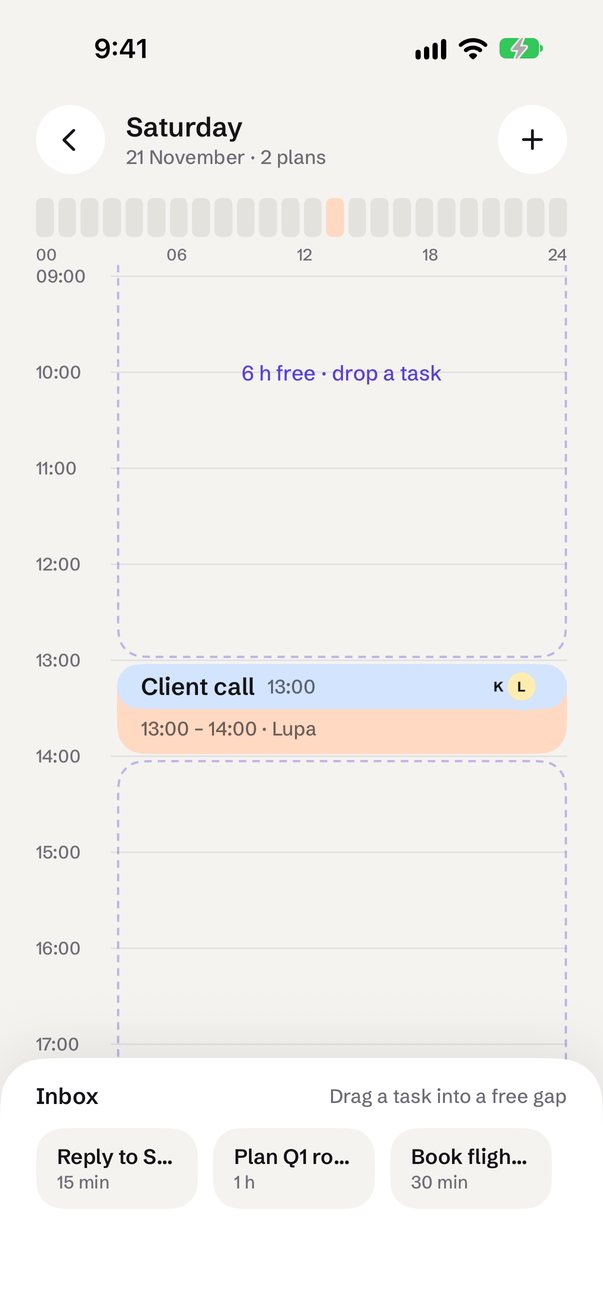
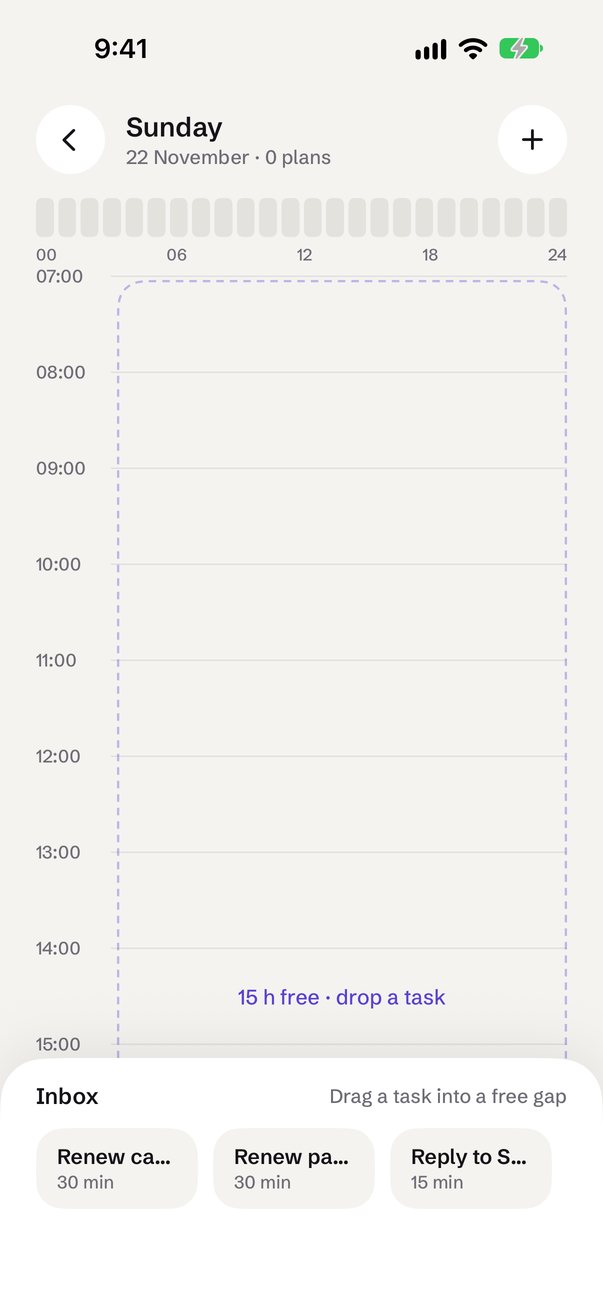
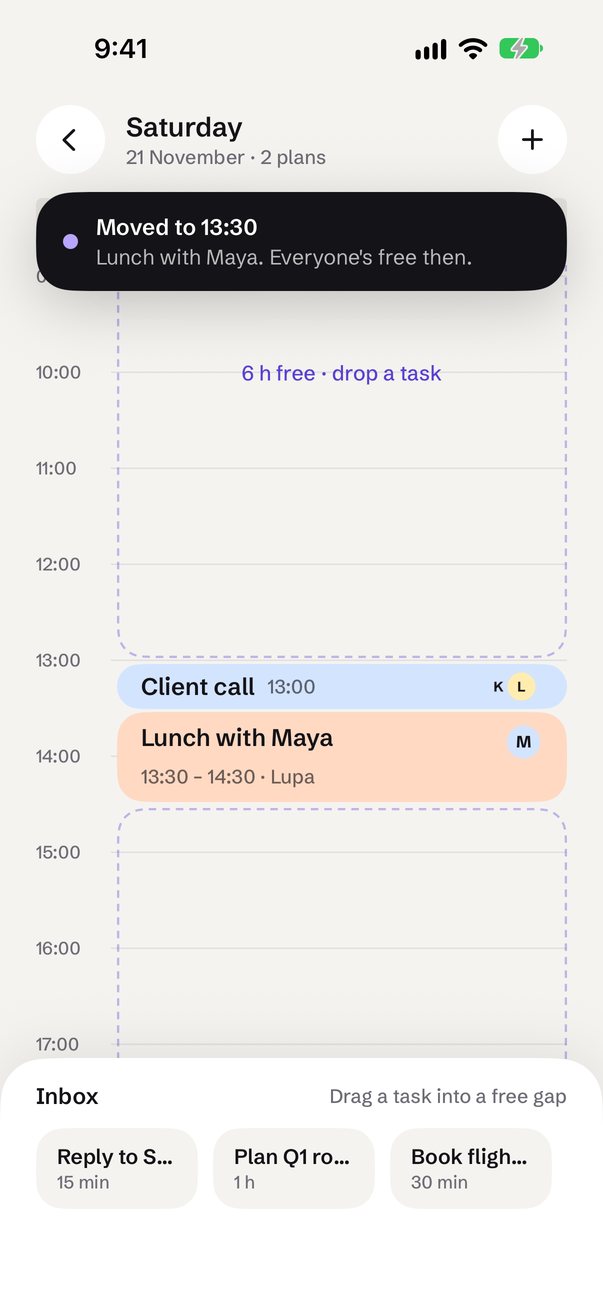
A day view where plans are as tall as they last, free time is a labelled gap, and you drag tasks from the inbox into a gap
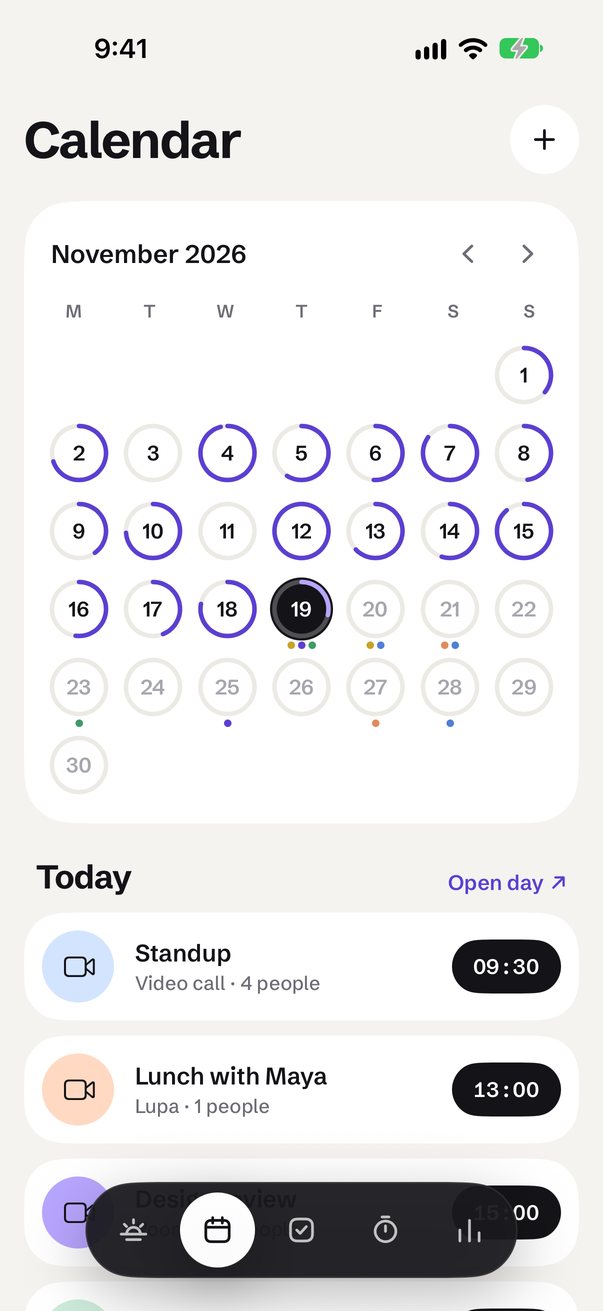
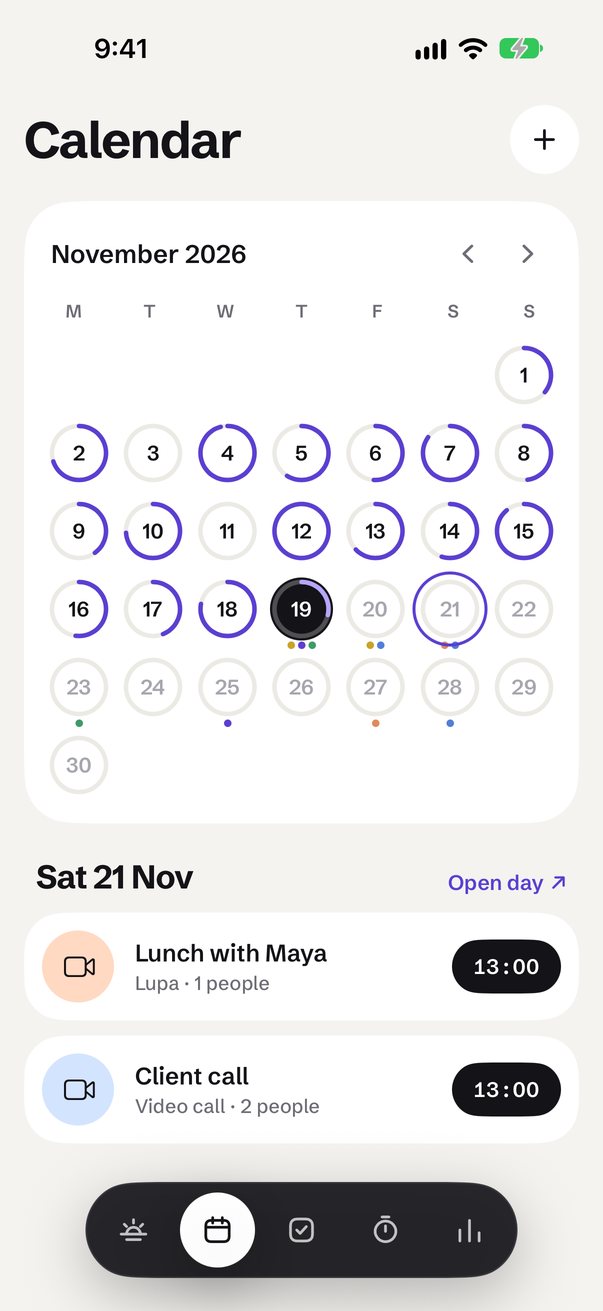
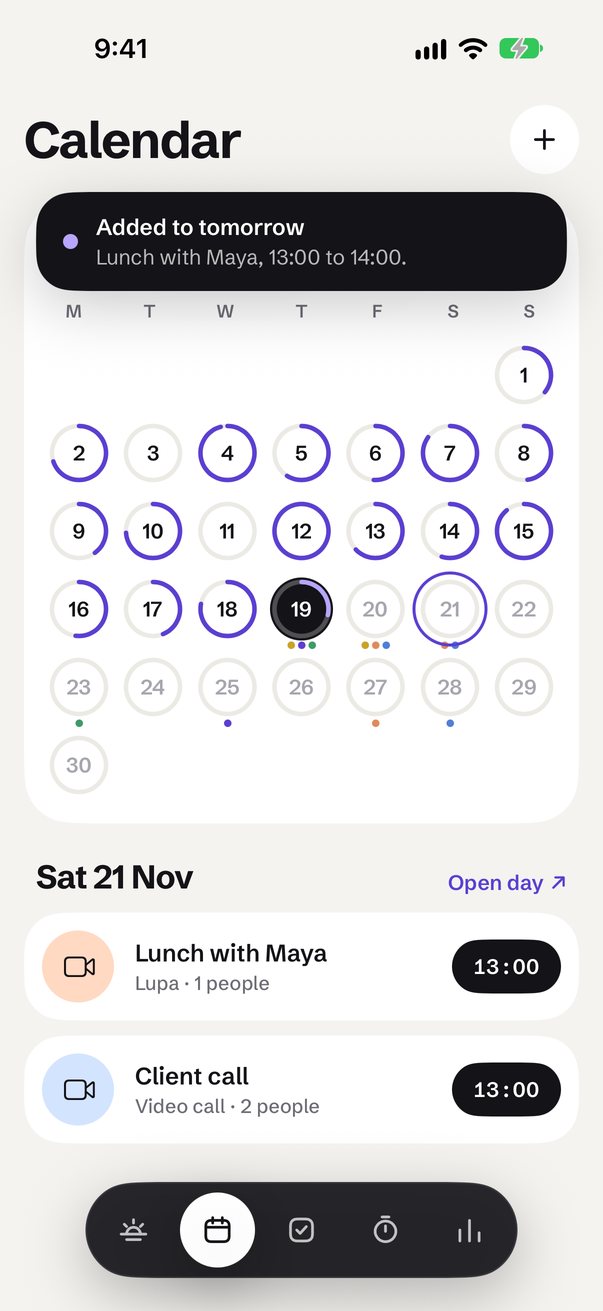
A month of rings that fill with how much got done, with a dot for each kind of plan on the days ahead
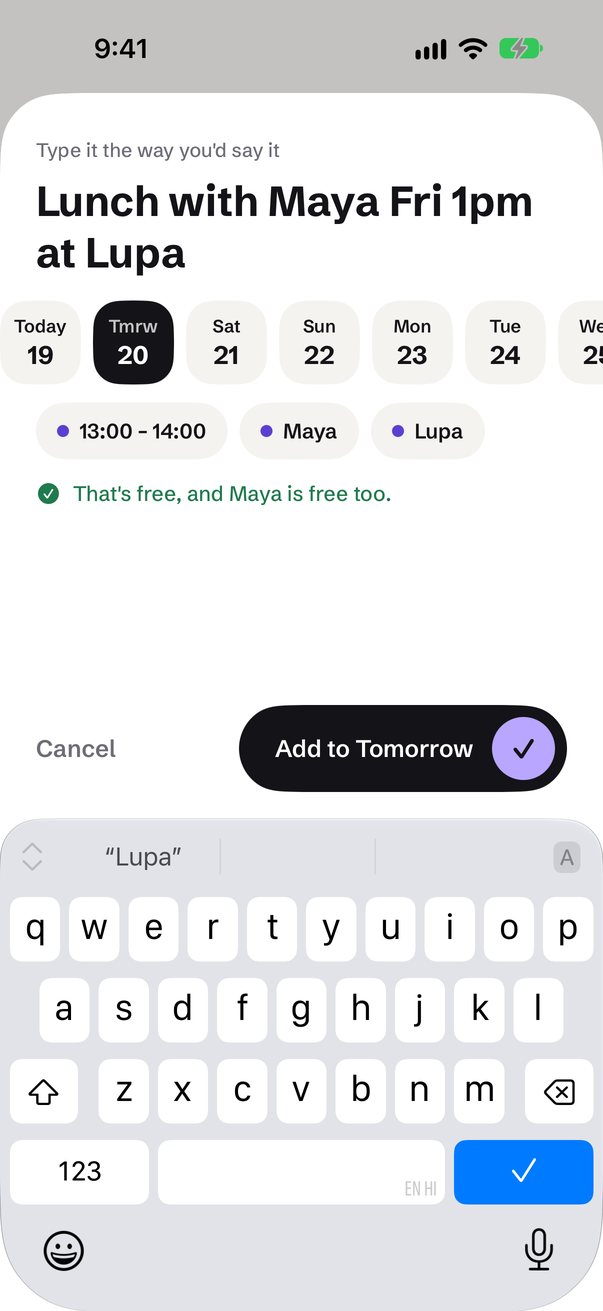
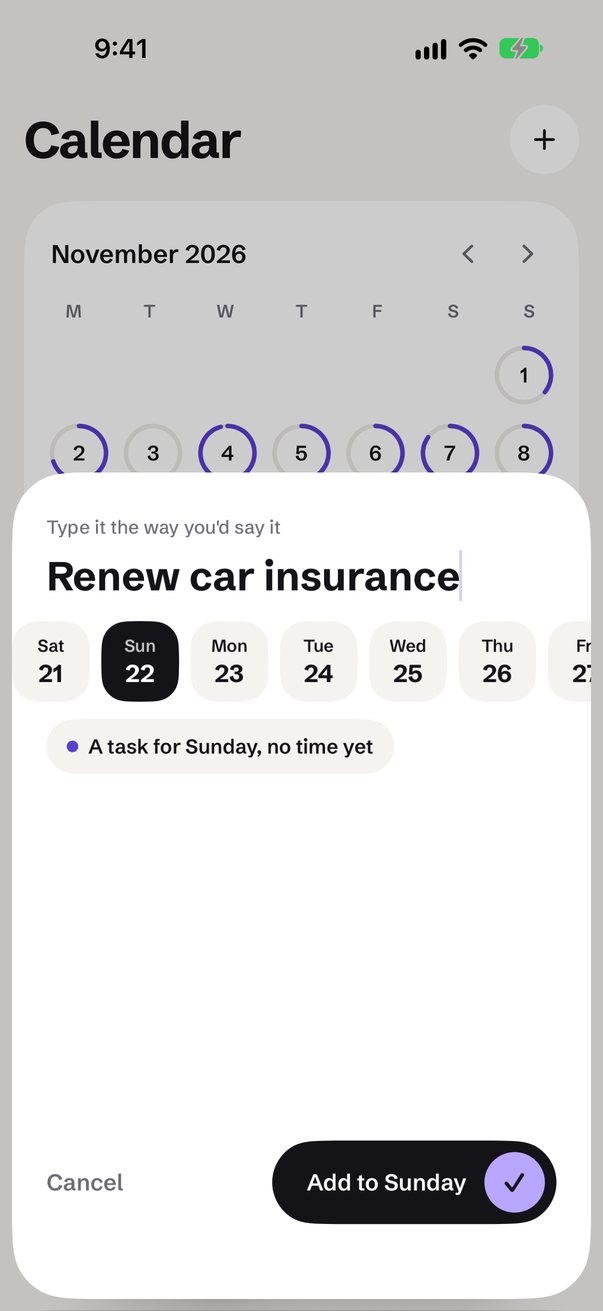
Quick add that reads what you type (day, time, people, place), checks the time is free, and lets you pick any day
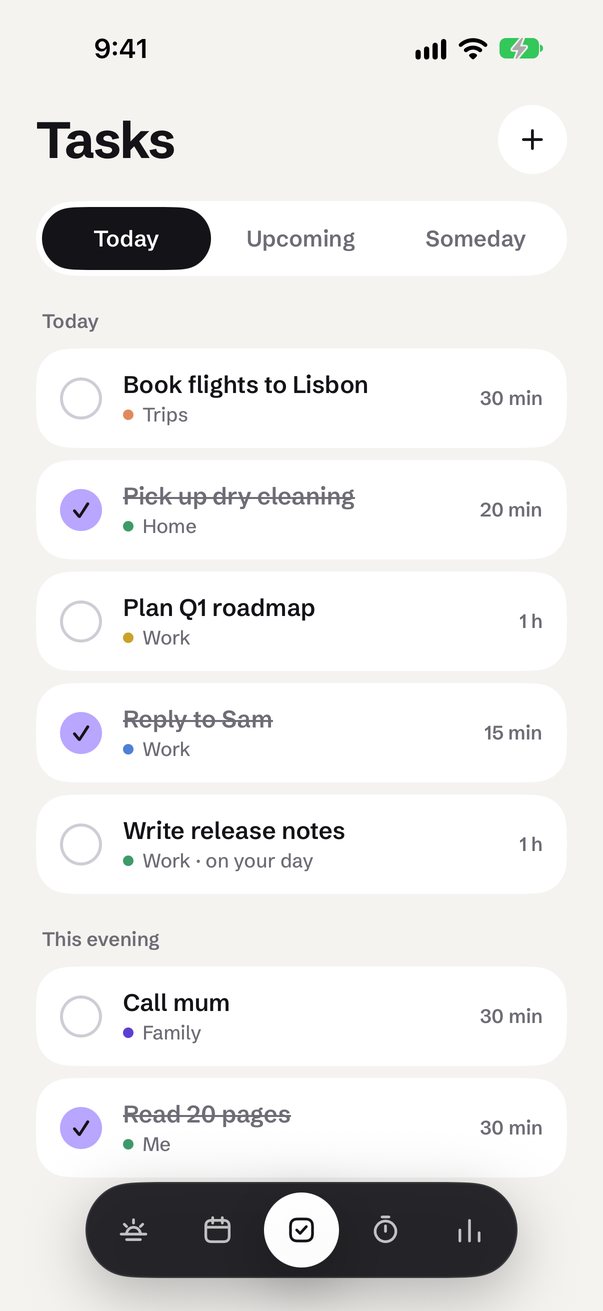
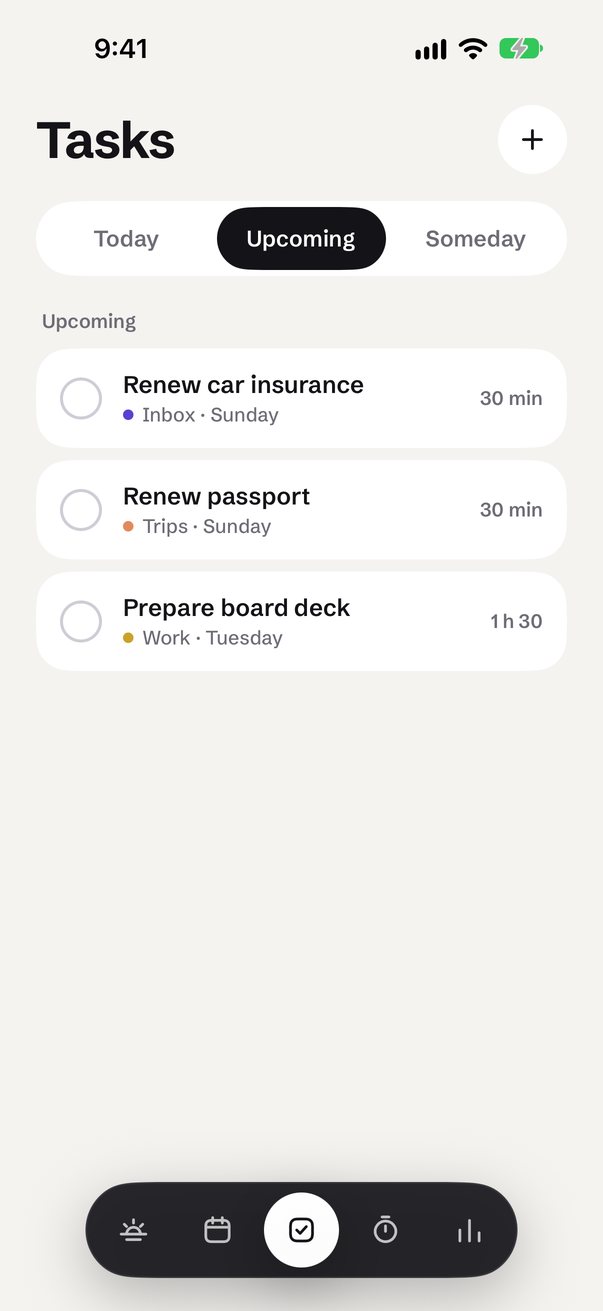
Tasks for today, upcoming with their days, and someday, each with a project colour and a length
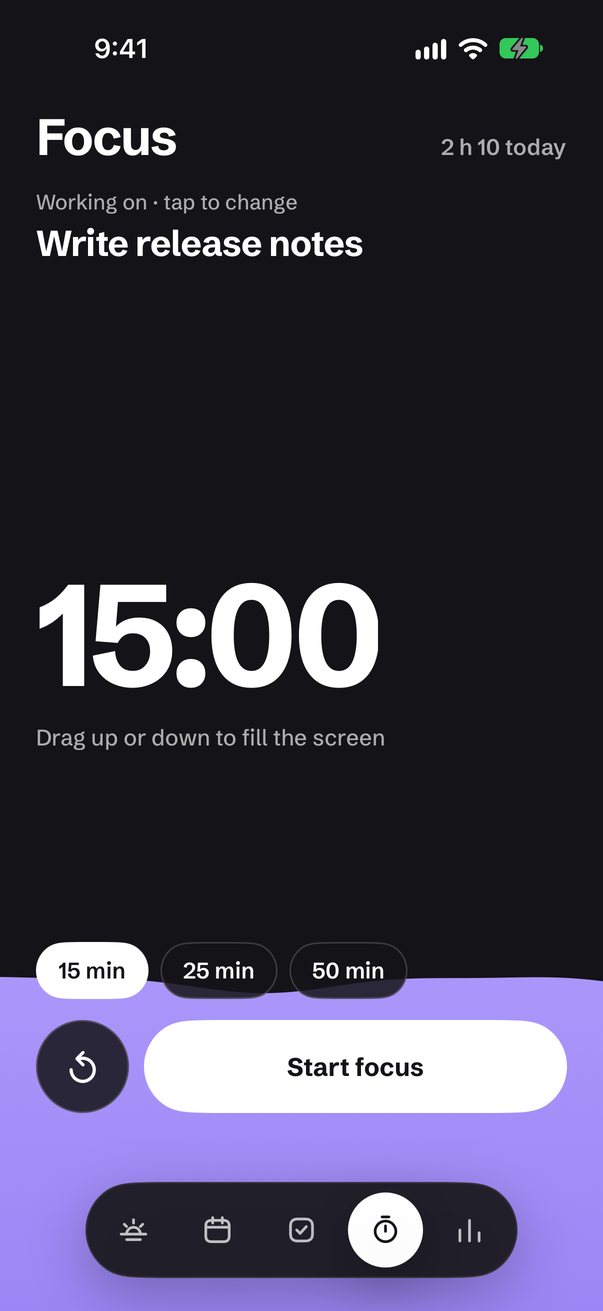
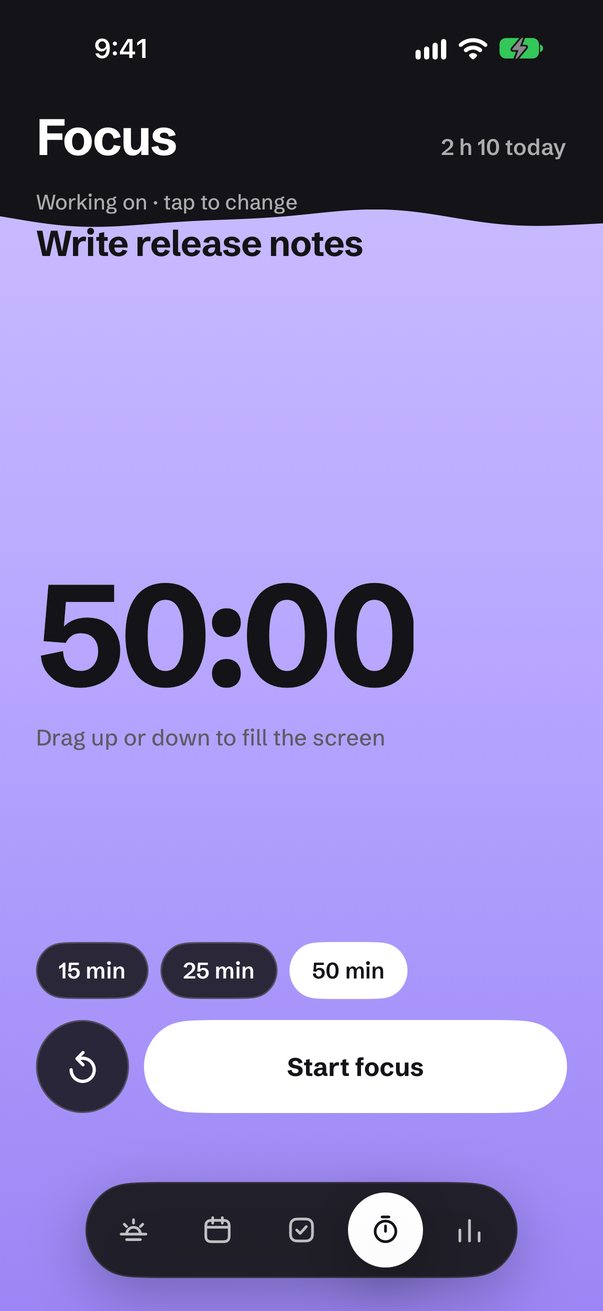
Focus: the whole screen fills with lilac to set the time, sloshes when you let go, and drains with bubbles as you work
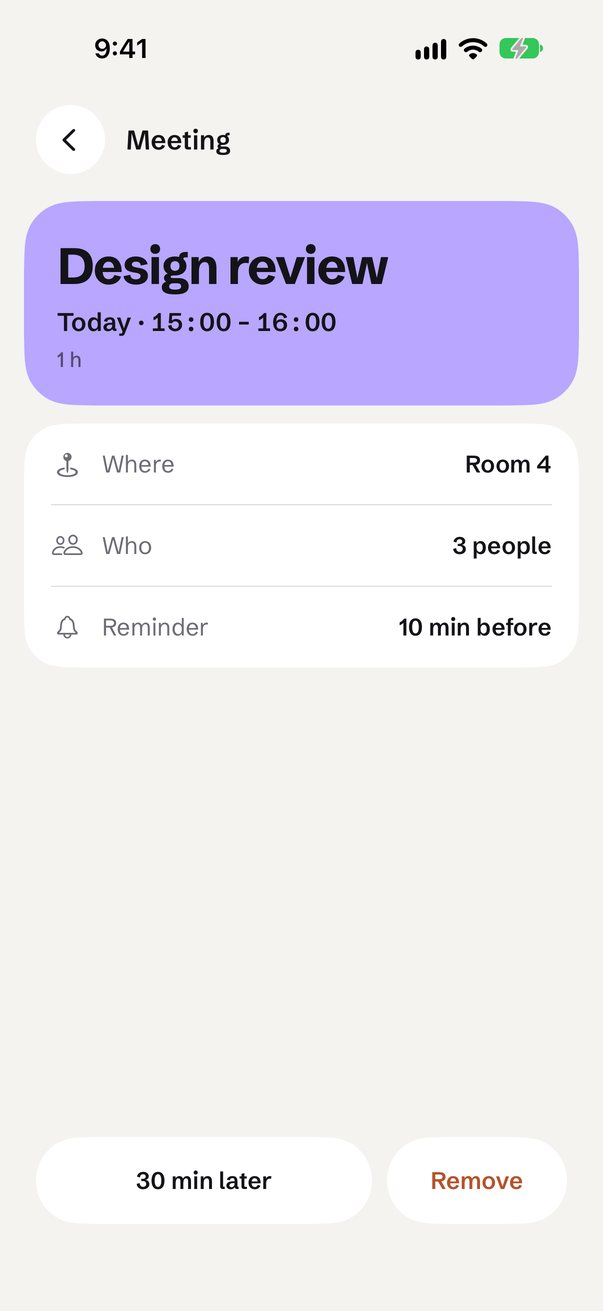
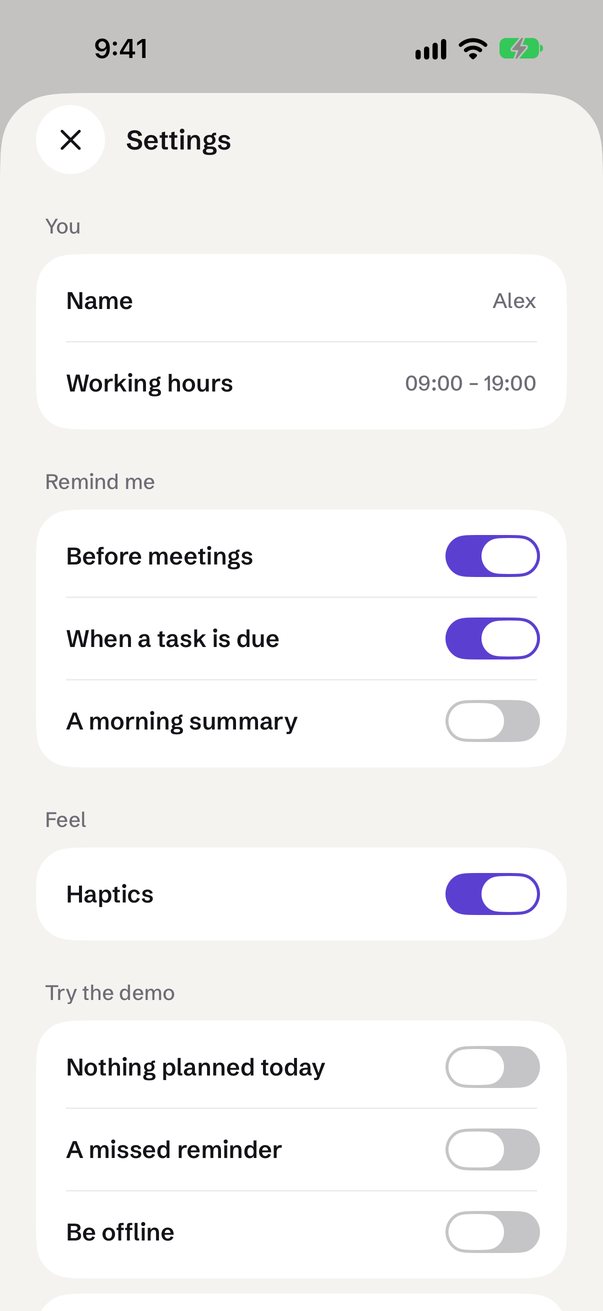
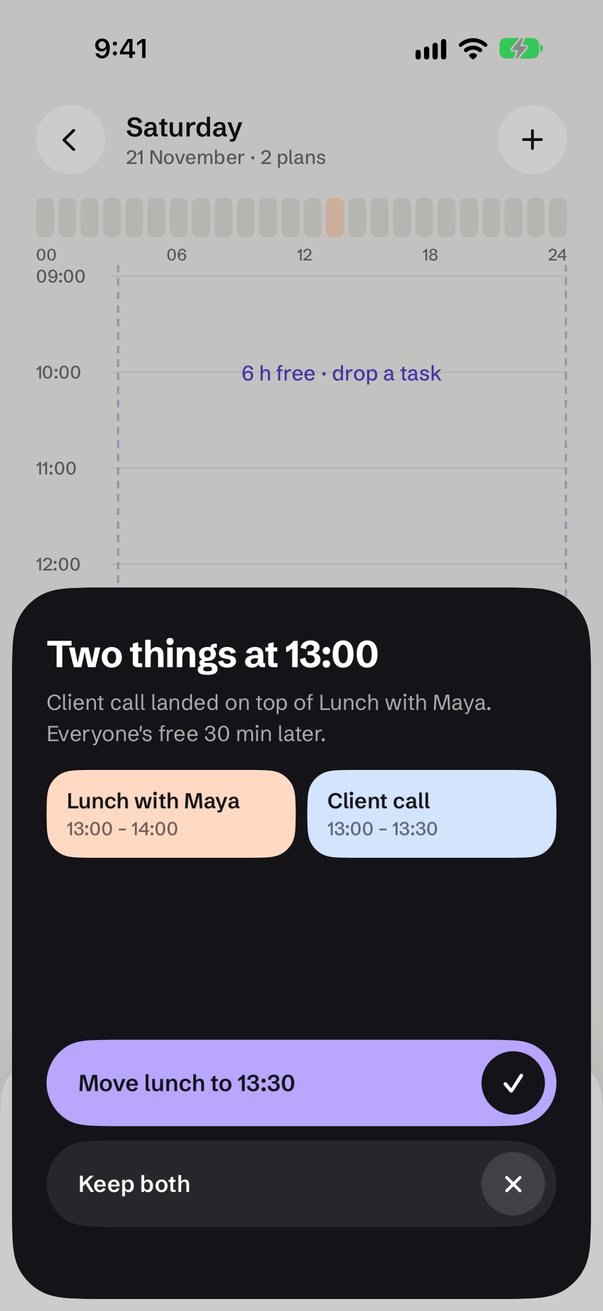
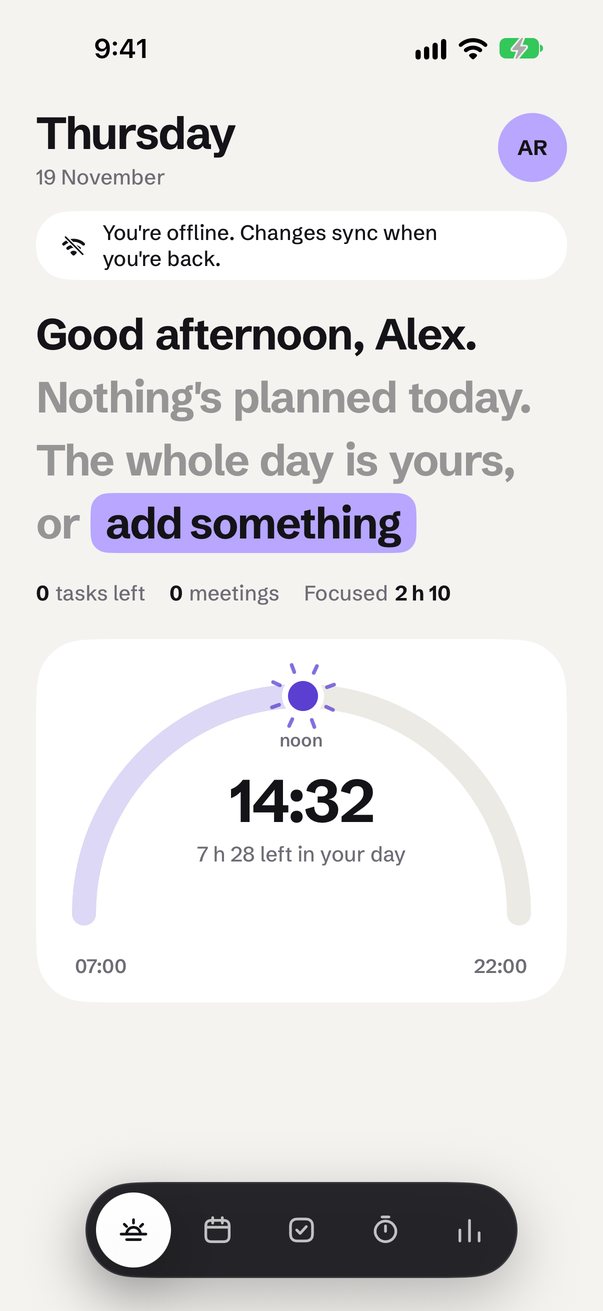
A clash sheet that offers the one move that fixes it, plus missed-reminder, offline and empty-day states
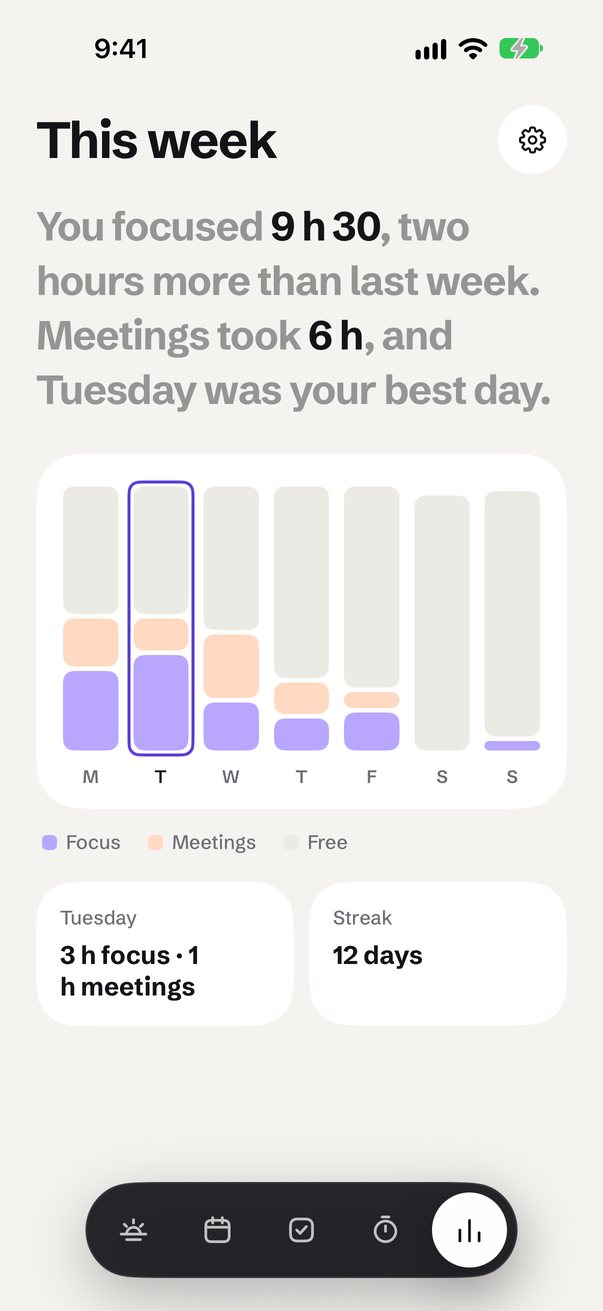
A floating nav, one tokens file, a week of sample plans, and UI test suites that tap every flow, on both platforms
Every App Kit is a base app: all the screens, flows, states and motion, with demo data and UI tests. No plugins, SDKs, payments or backend are included — you connect your own.
Every screen
Captured from the app running in the simulator during its test run.
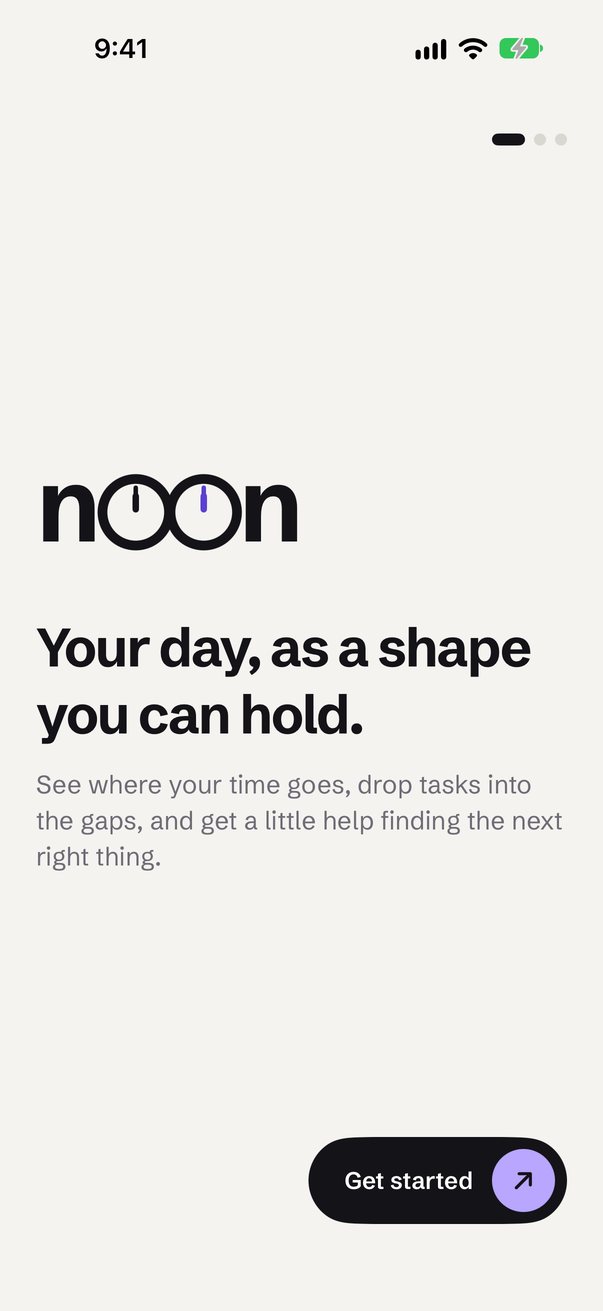
Loading — two clock faces sweep to twelve and become the "oo"
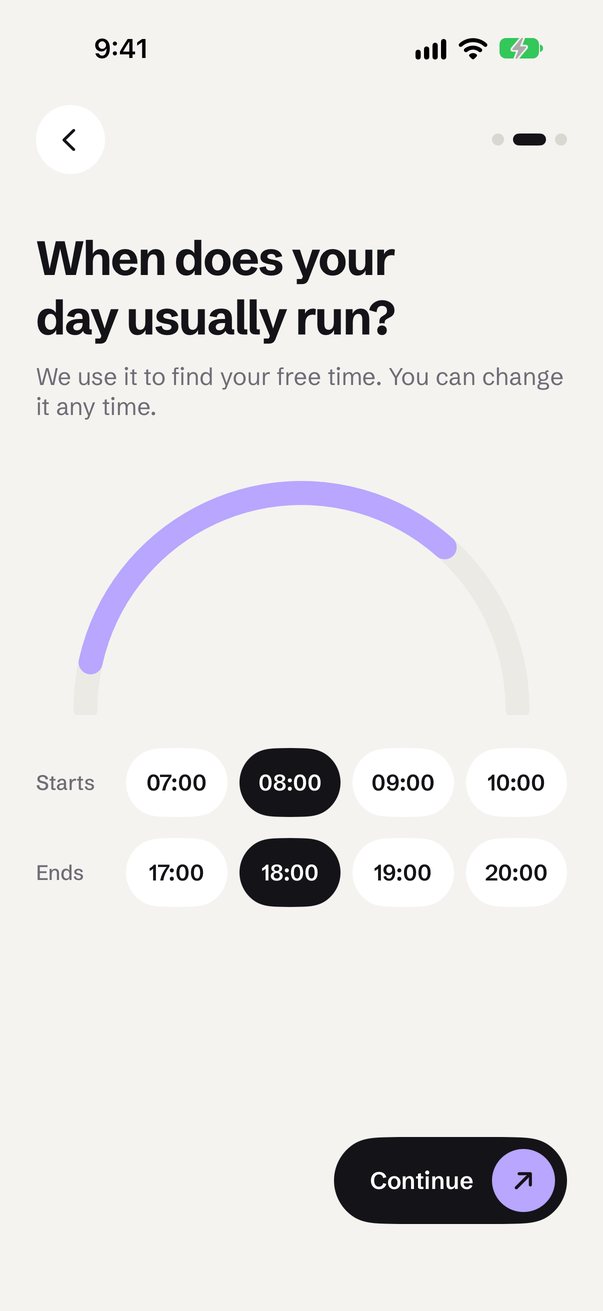
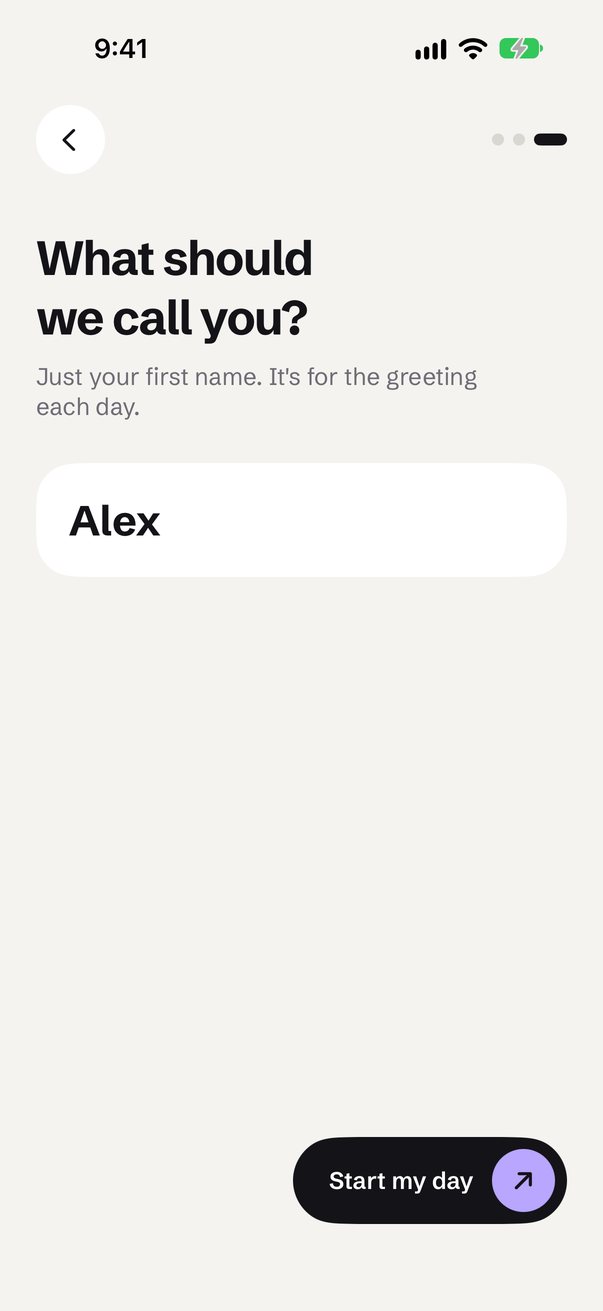
Onboarding
Your working hours, drawn on the sun's path
What to call you
Today — a greeting that knows your day, every highlight tappable
Tap the task that fits and it's on your day
A day — plans as tall as they last, free time as gaps
Drag a task into a gap and it snaps in at its own length