← App Kits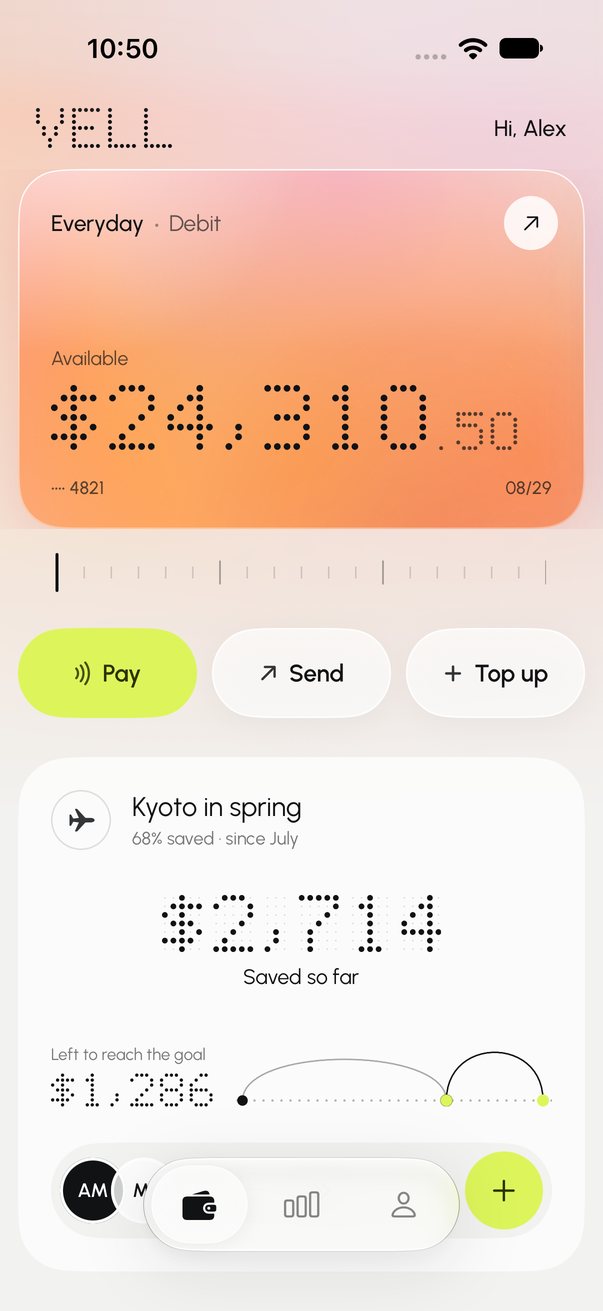
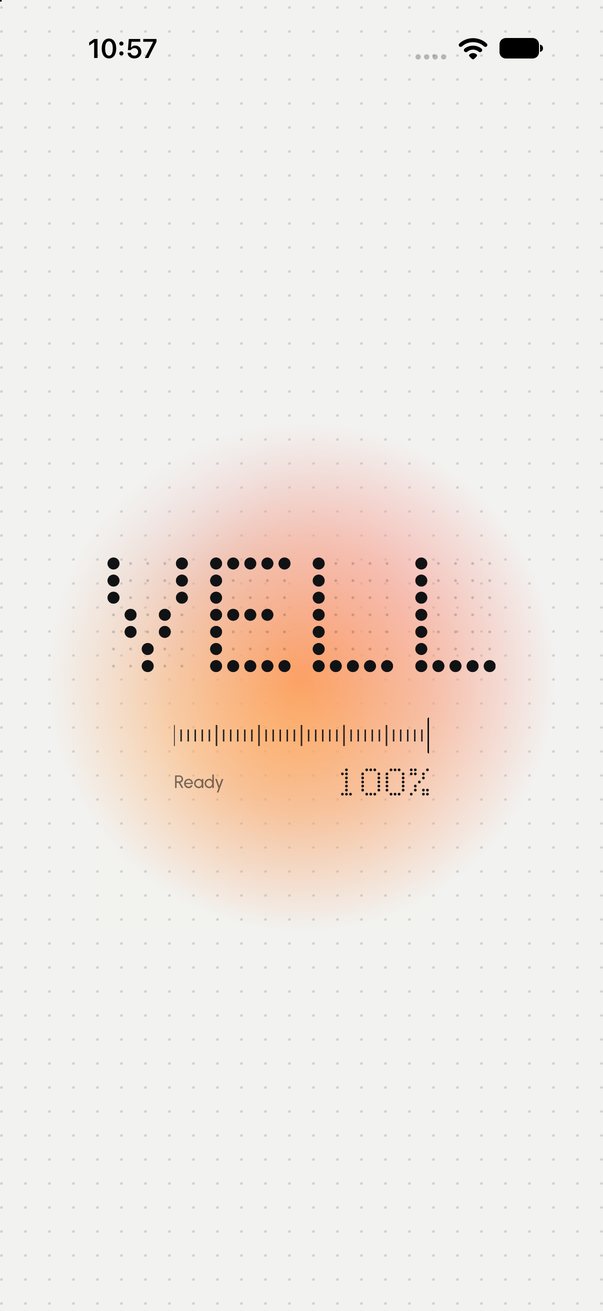
Loading — the display calibrates 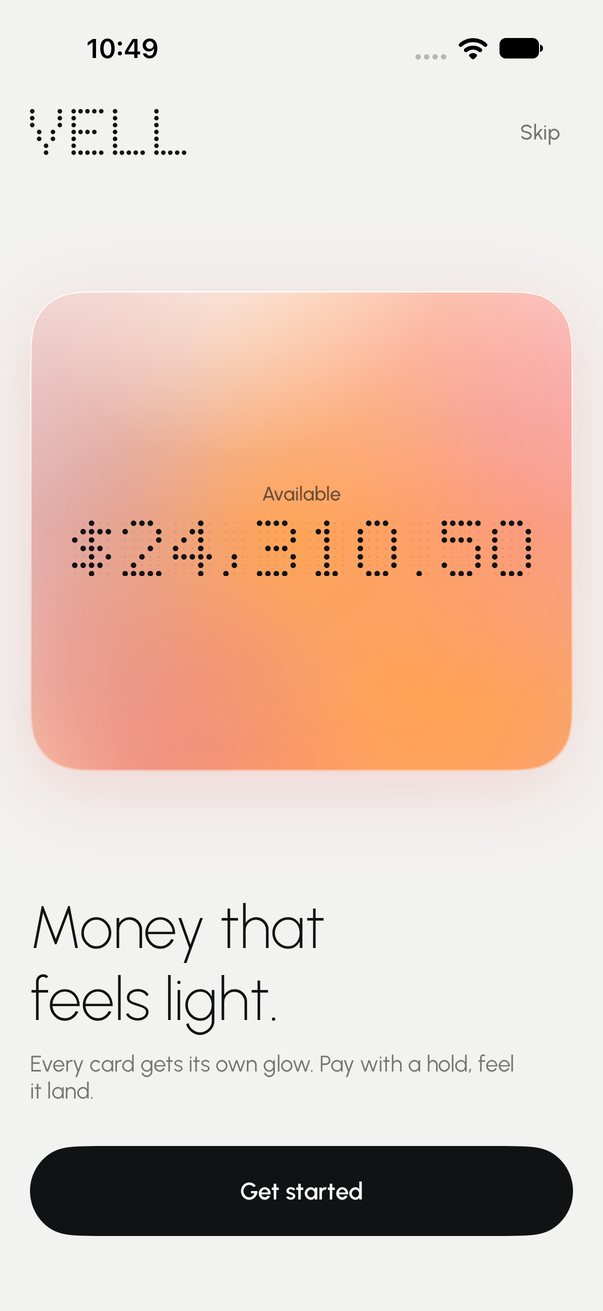
Onboarding 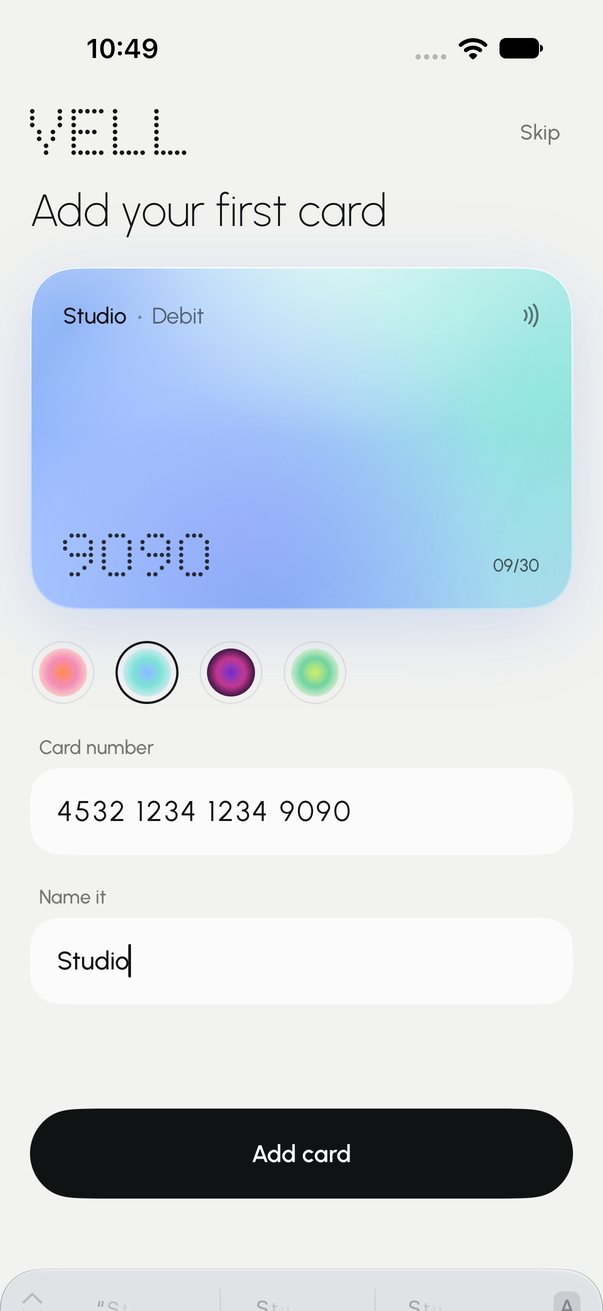
Add a card, pick its glow Wallet 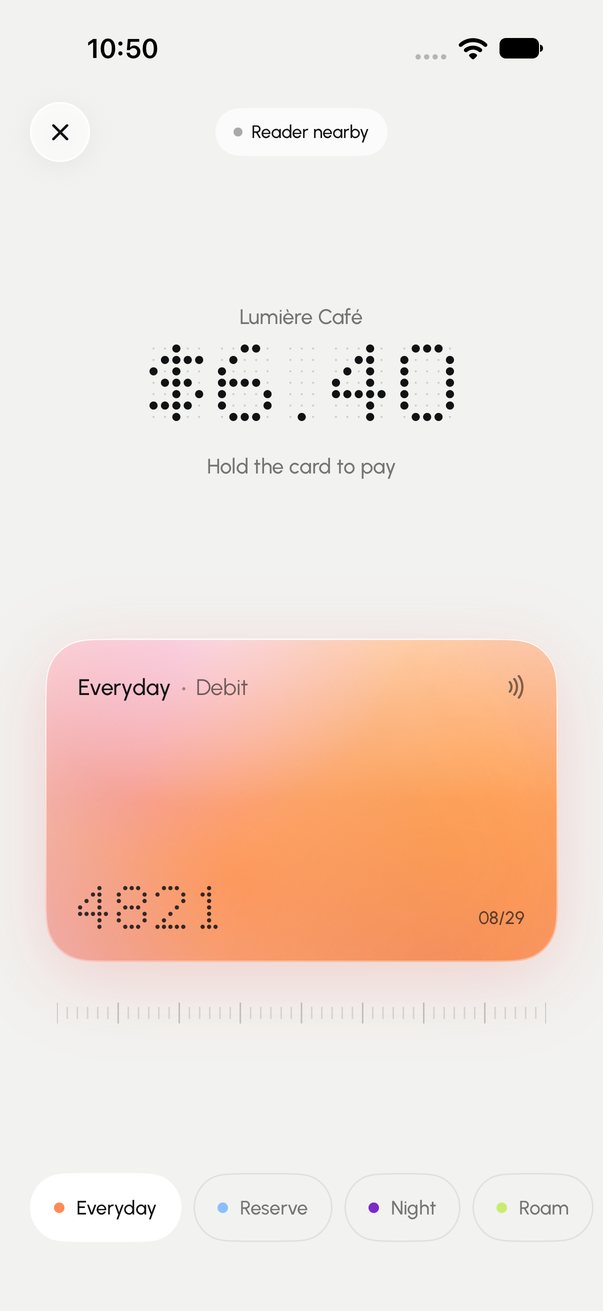
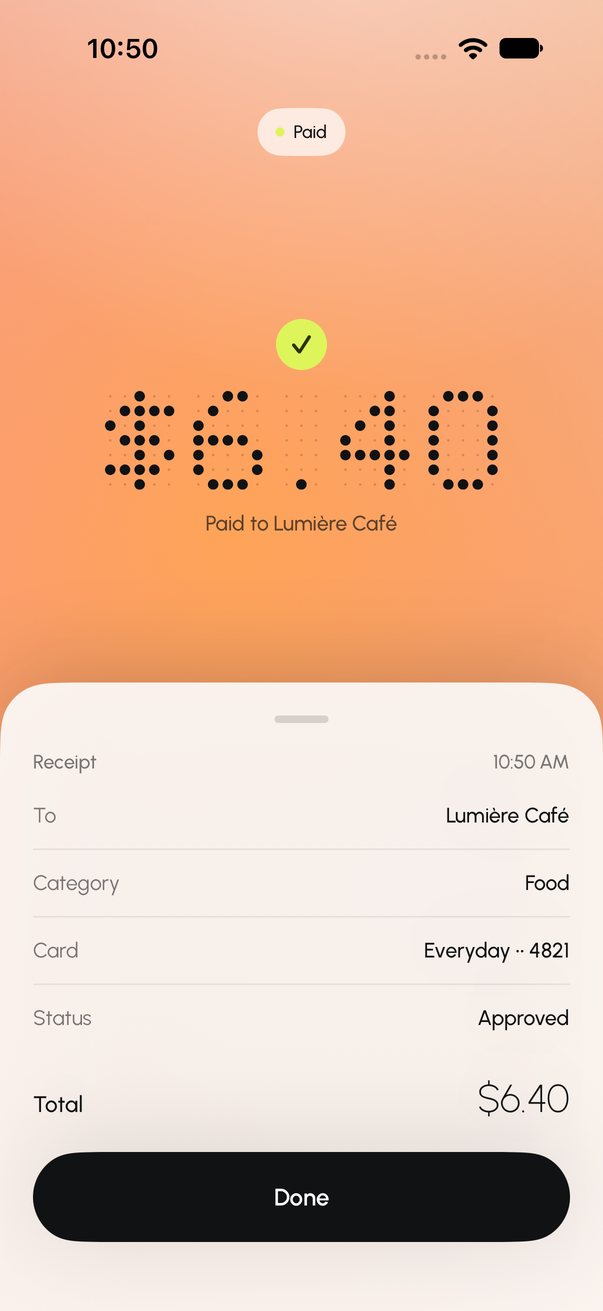
Hold to pay Bloom and receipt 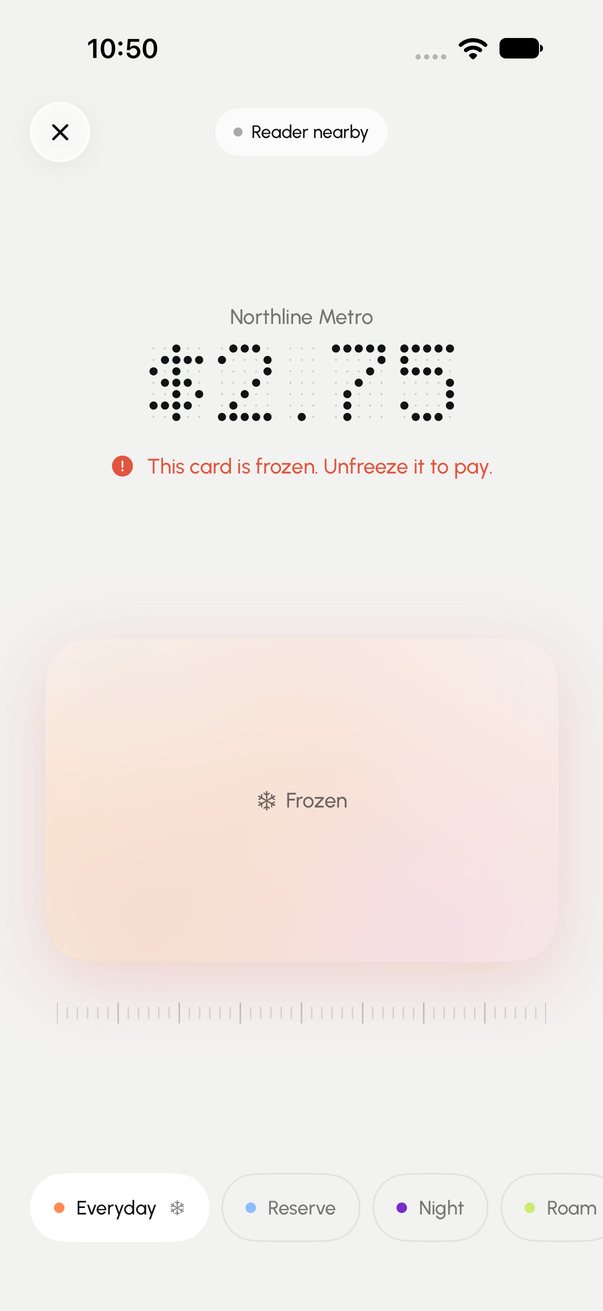
Frozen card declines 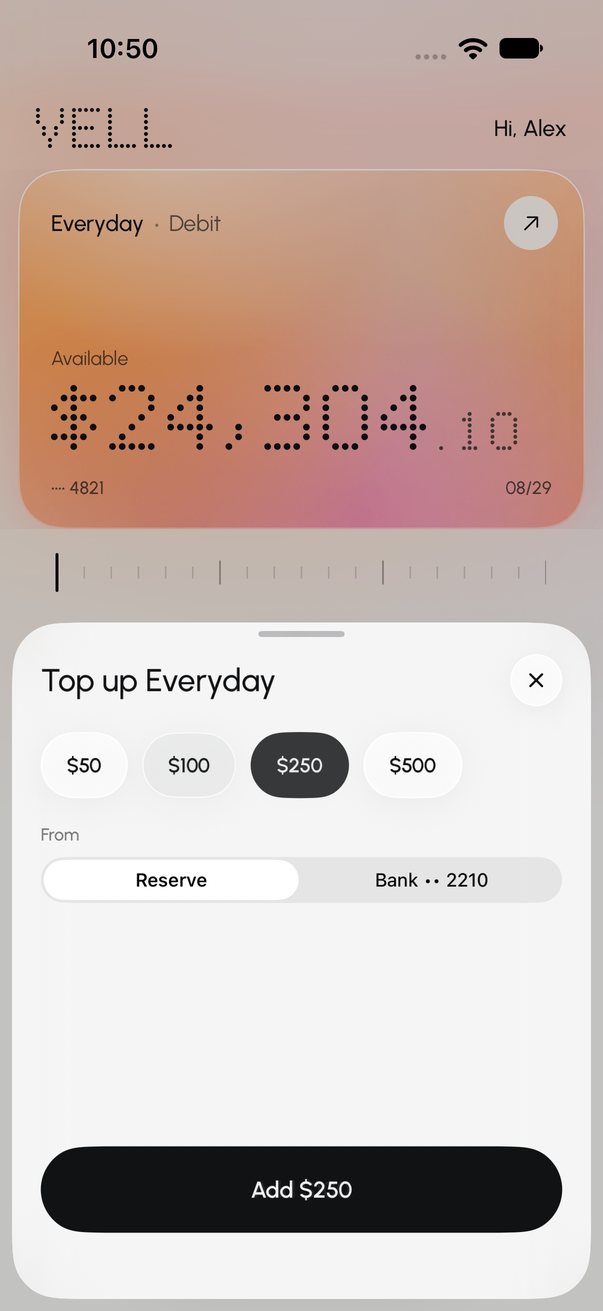
Top up 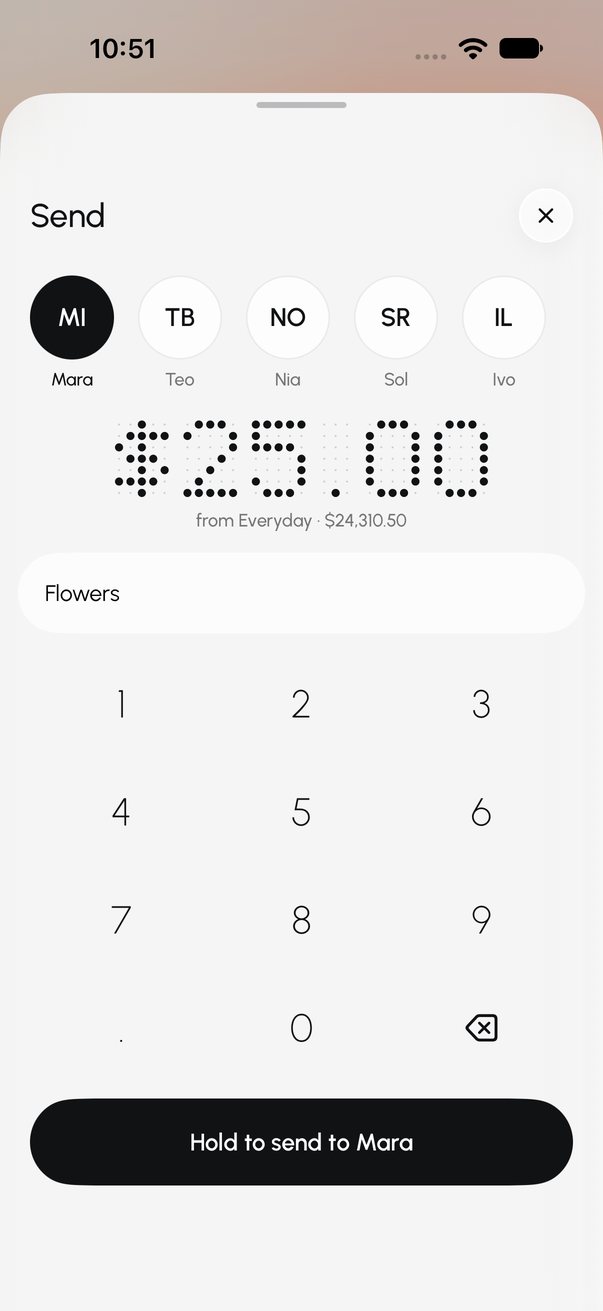
Send 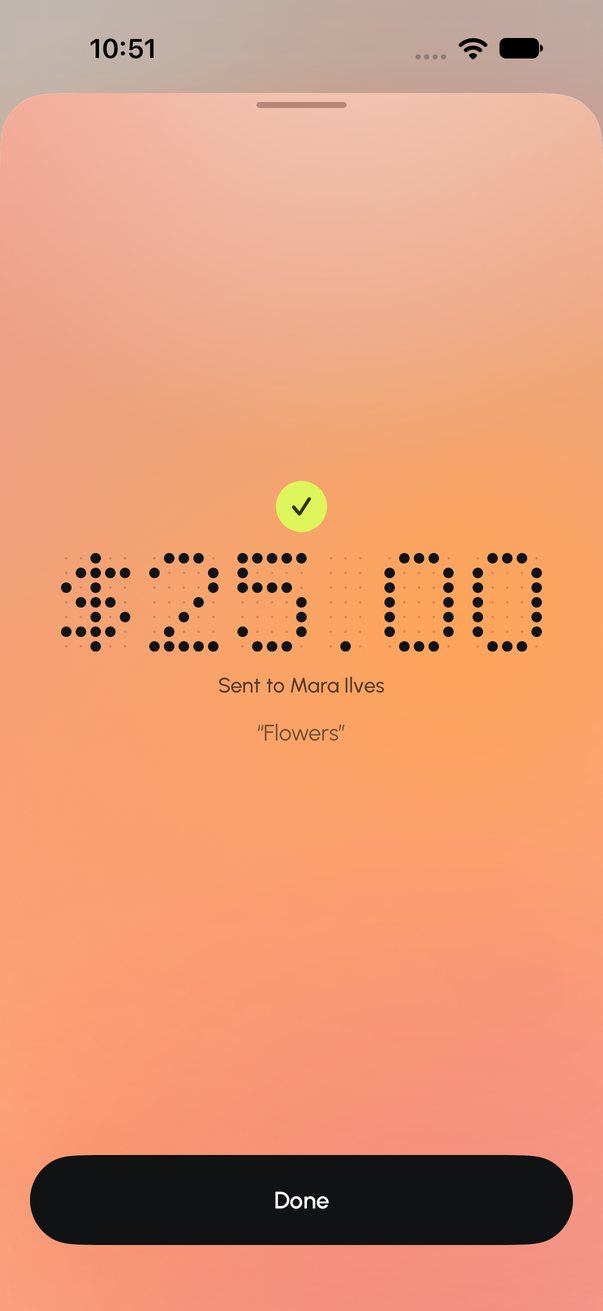
Sent 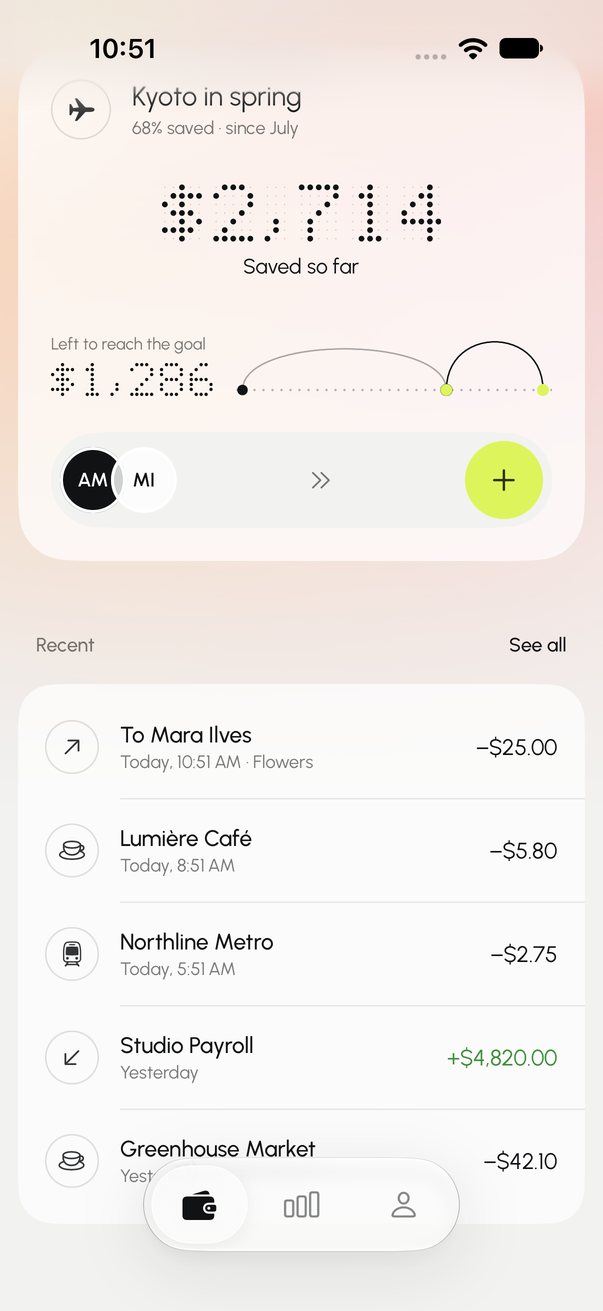
Savings goal 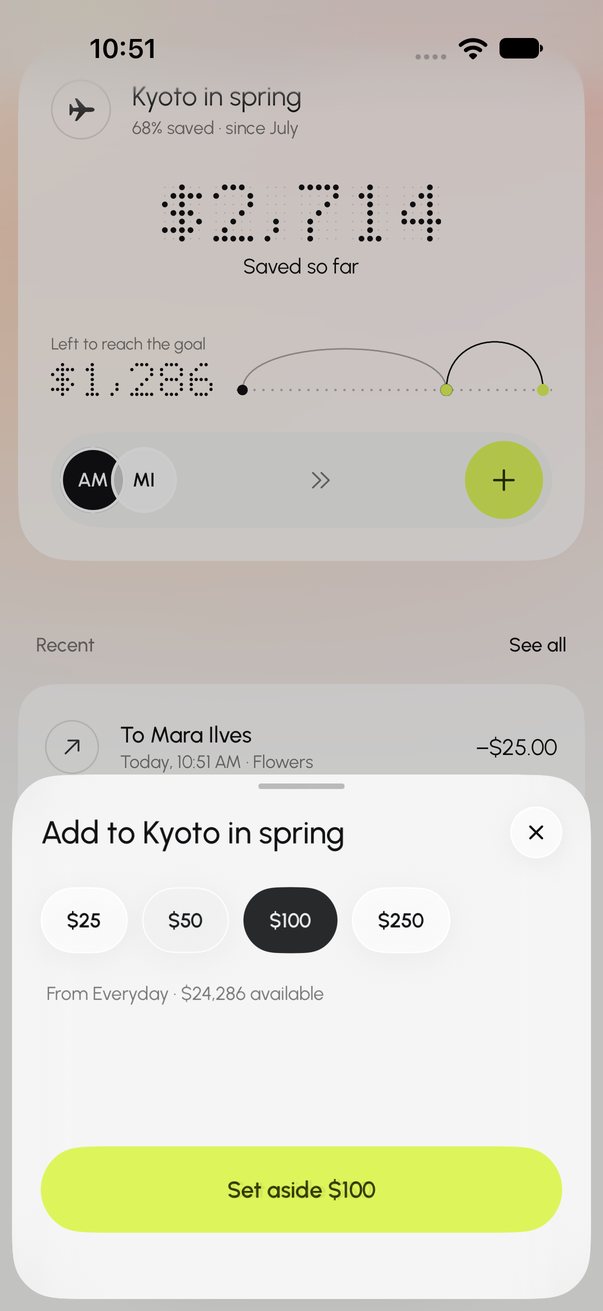
Set money aside 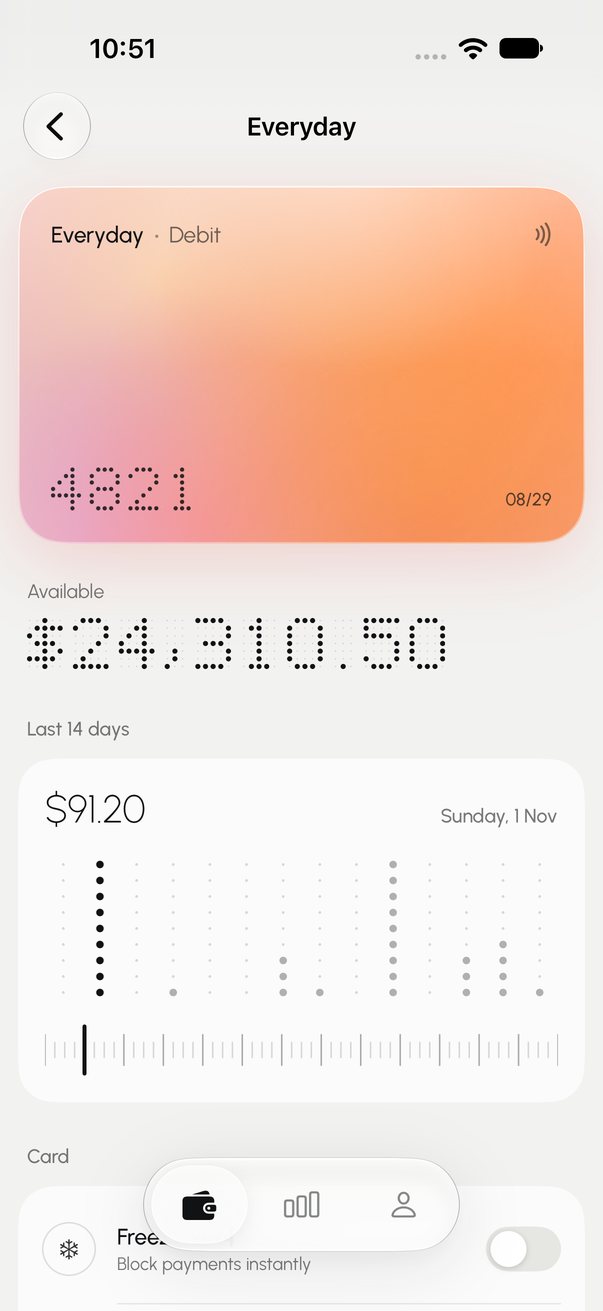
Card detail 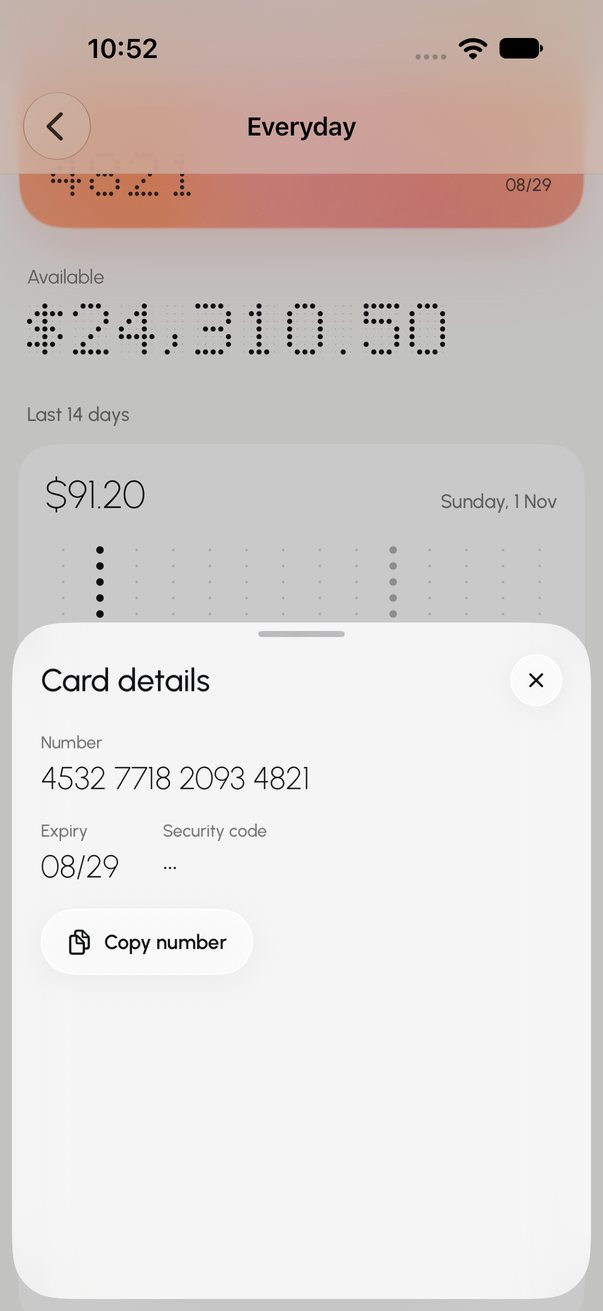
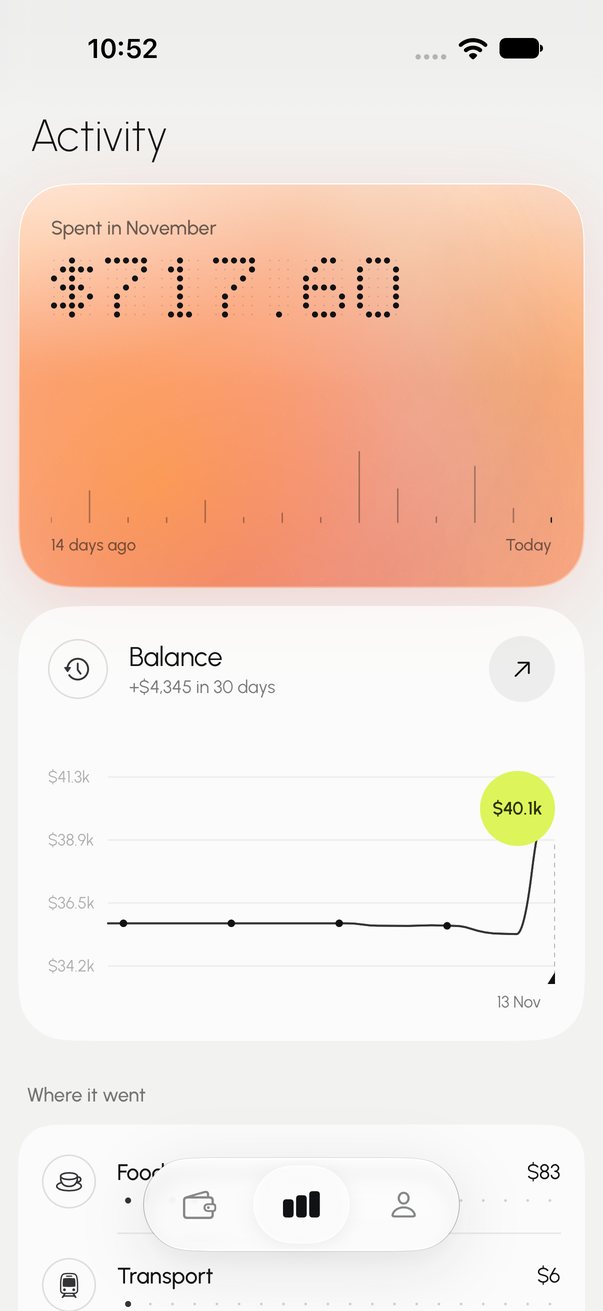
Details behind the passcode Activity 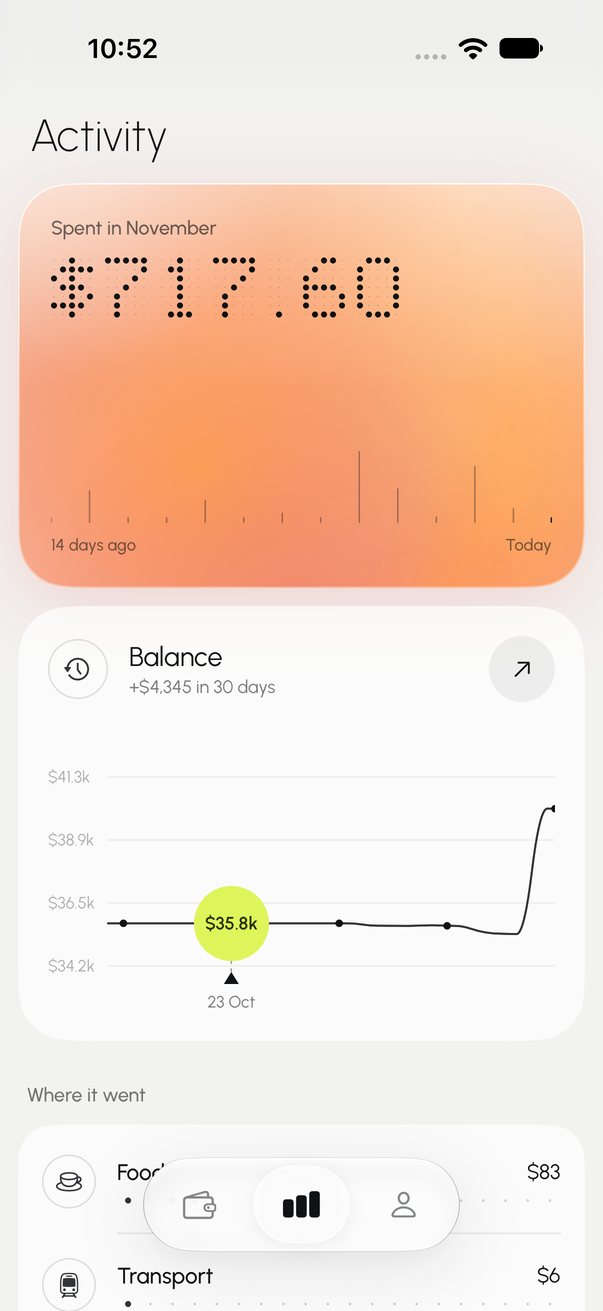
Balance chart 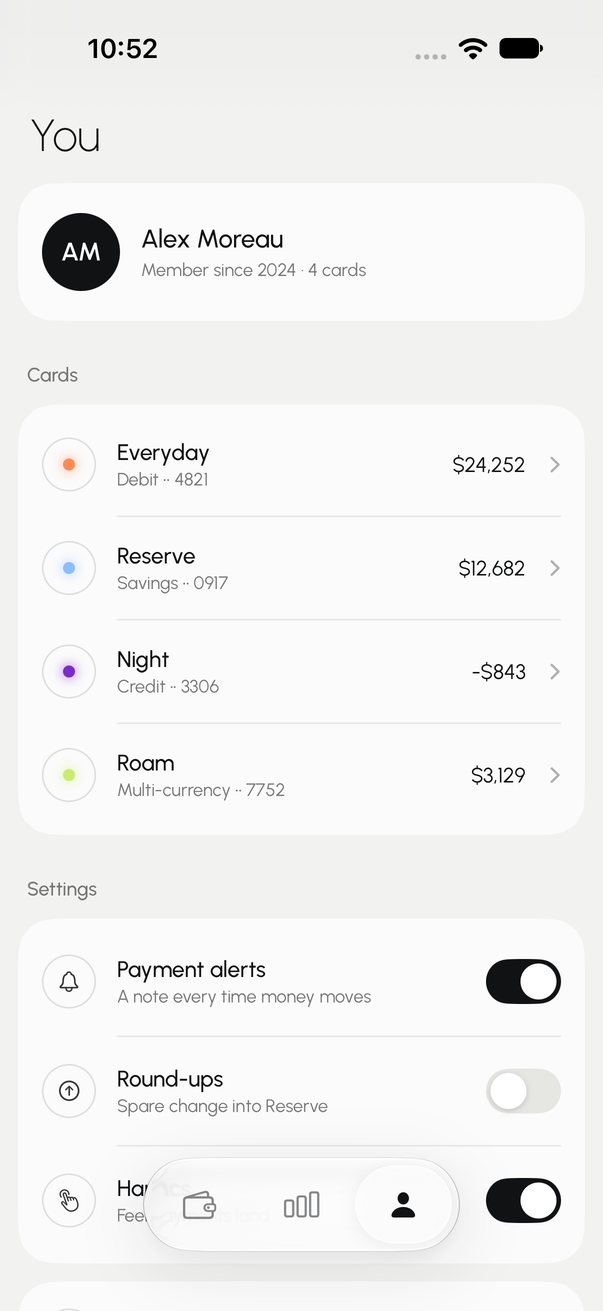
You
Finance · Wallet · tap to pay
VELL
Made by
KliourrStudio
A tap-to-pay wallet in frosted glass. Every card has its own living gradient; hold to pay and it blooms across the screen as the receipt pours up.
FrostInkLimeEmberOrchid
SwiftUI · iOS 17+ · Xcode project
Sign in to download- Loading screen — a dot field ripples, the wordmark lights up dot by dot
- Onboarding: add a card, pick its gradient, set a passcode
- Card carousel with a tick ruler that follows the swipe
- Hold to pay with a haptic swell, a full-screen bloom and a receipt
- Declined, frozen and not-enough states, with card switching
- Send, top up and a savings goal that moves real demo money
- Card detail: spending dots, freeze, passcode-locked details, rename, remove
- Activity with a scrubbable balance chart, bills and search
- Living gradients with per-palette readable text, dot-matrix numerals, Liquid Glass tab bar
- One tokens file and a UI test suite that taps every flow
Every App Kit is a base app: all the screens, flows, states and motion, with demo data and UI tests. No plugins, SDKs, payments or backend are included — you connect your own.
Every screen
Captured from the app running in the simulator during its test run.